Prepare smart-home devices for a move or handover
Separate the equipment you are keeping from the items being transferred, then use the exact account-removal and reset instructions.
Updated:
Decide what is being transferred
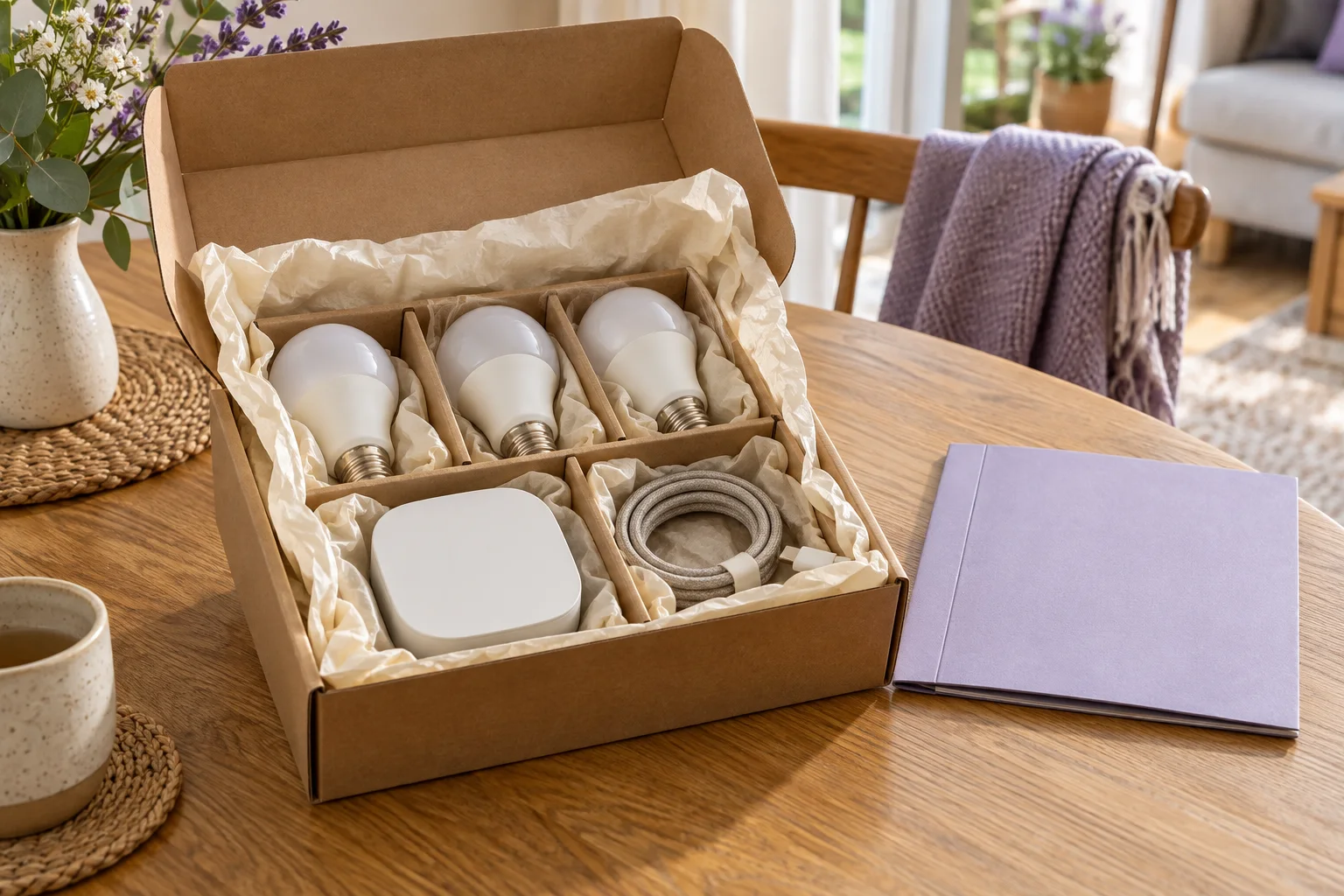
Start with an inventory of the devices and connection equipment. Mark each item as staying with you, being transferred to another person or requiring a separate decision. The NCSC advises a factory reset before selling or giving away a smart device, using the manufacturer's instructions. That action belongs to the transfer plan for the actual item, not a vague instruction to clear everything at once.
This guide covers the information and device-management plan. It does not authorise removing fixed electrical equipment or settle what belongs in a property transaction. Keep those questions separate and obtain the appropriate agreement or competent help for the actual installation before changing the physical setup.
NCSC: smart devices in the home ?
Make the device count explicit
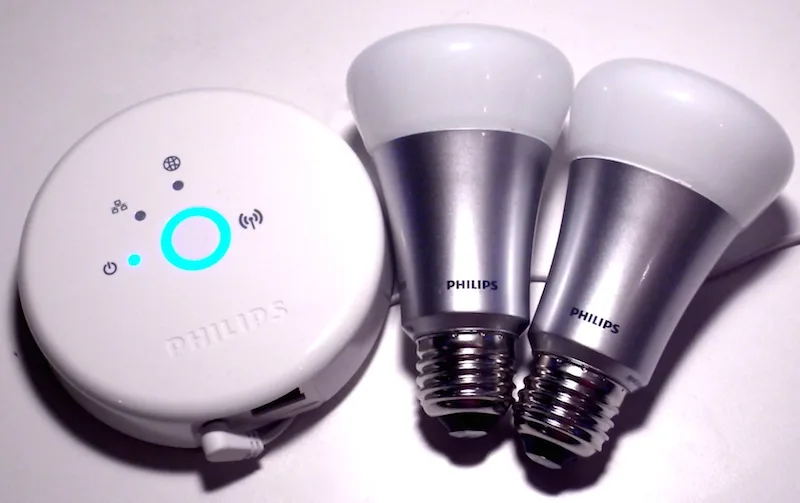
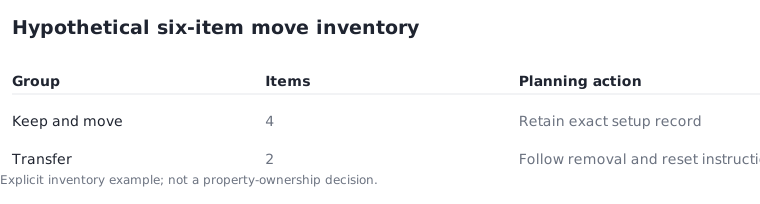
In a hypothetical six-item setup, suppose four portable accessories are moving with you and two are being transferred. The two groups need different next steps. The moving group needs a clear record for its new setup; the transfer group needs the relevant removal and reset procedure completed before handover.
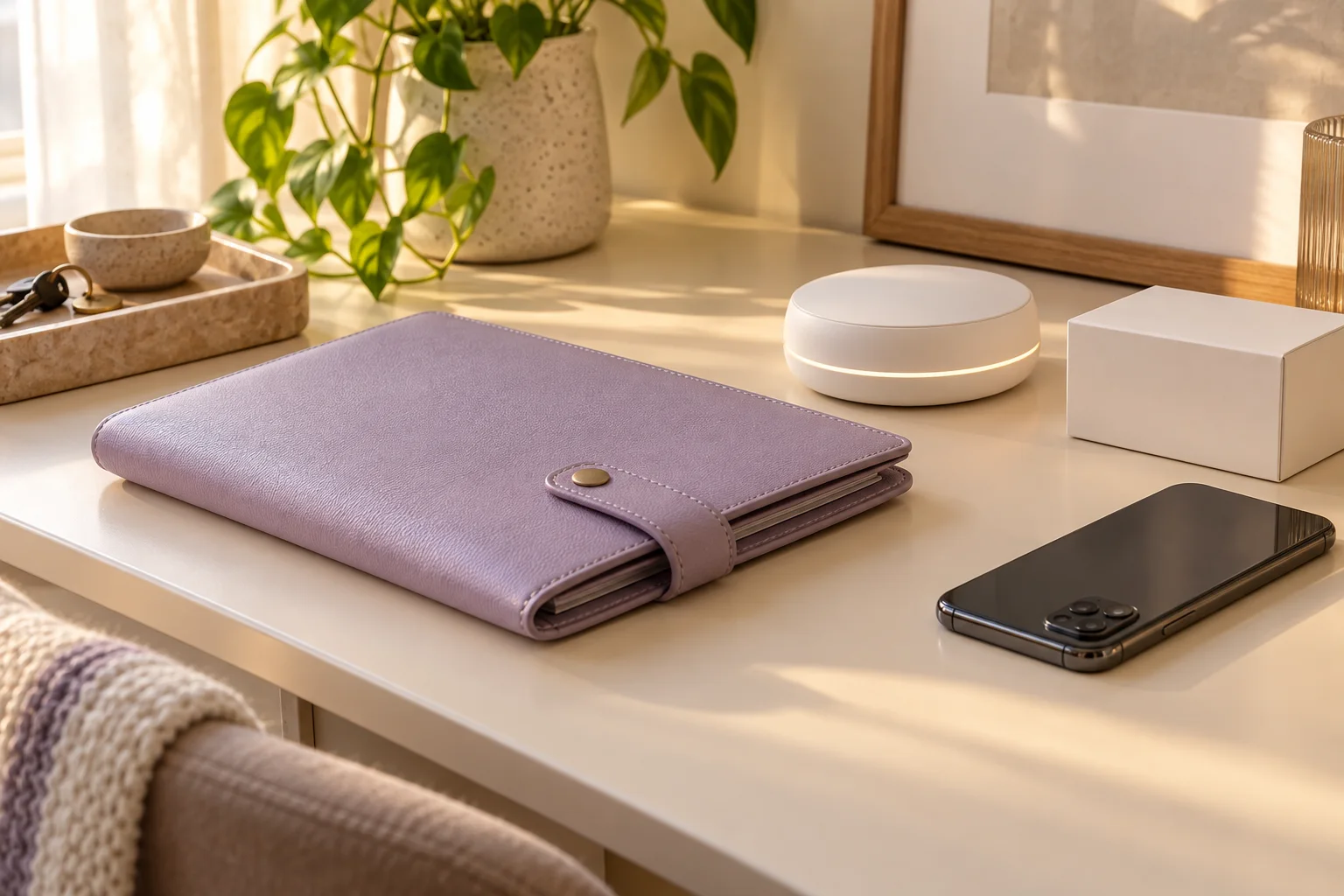
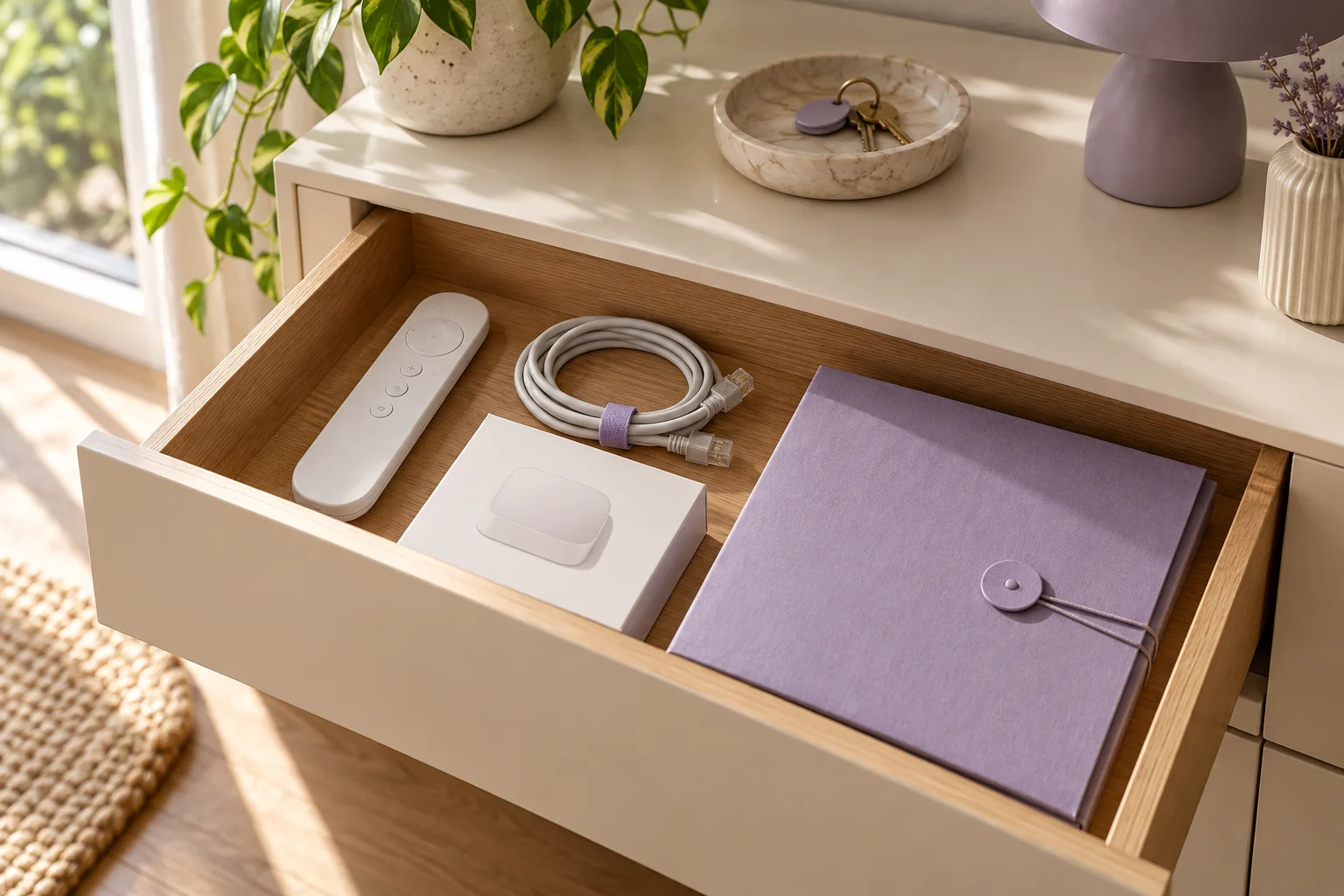
Do not let a room label hide several physical products. A lamp, a bridge and a remote may appear together in one routine while remaining three separate inventory items. Count the actual equipment and record included power supplies or required accessories. This is an administrative example, not a statement about ownership of any particular home installation.
Review connected services before the reset
A device can have relationships with more than one service. Apple's Matter management instructions distinguish removal from an individual connected service from removal from all connected services. Read the current effect of each option before using it, and keep the manufacturer's transfer instructions beside the account-level steps.
Do not assume that removing a device from one app automatically removes every other relationship or all stored information. Equally, do not perform an unnecessary reset on equipment you intend to keep without understanding the consequences. The point of the inventory is to apply the correct supported procedure to each item, with deliberate confirmation of what is changing.
Apple UK: pairing and managing Matter accessories ?
Prepare a minimal handover packet
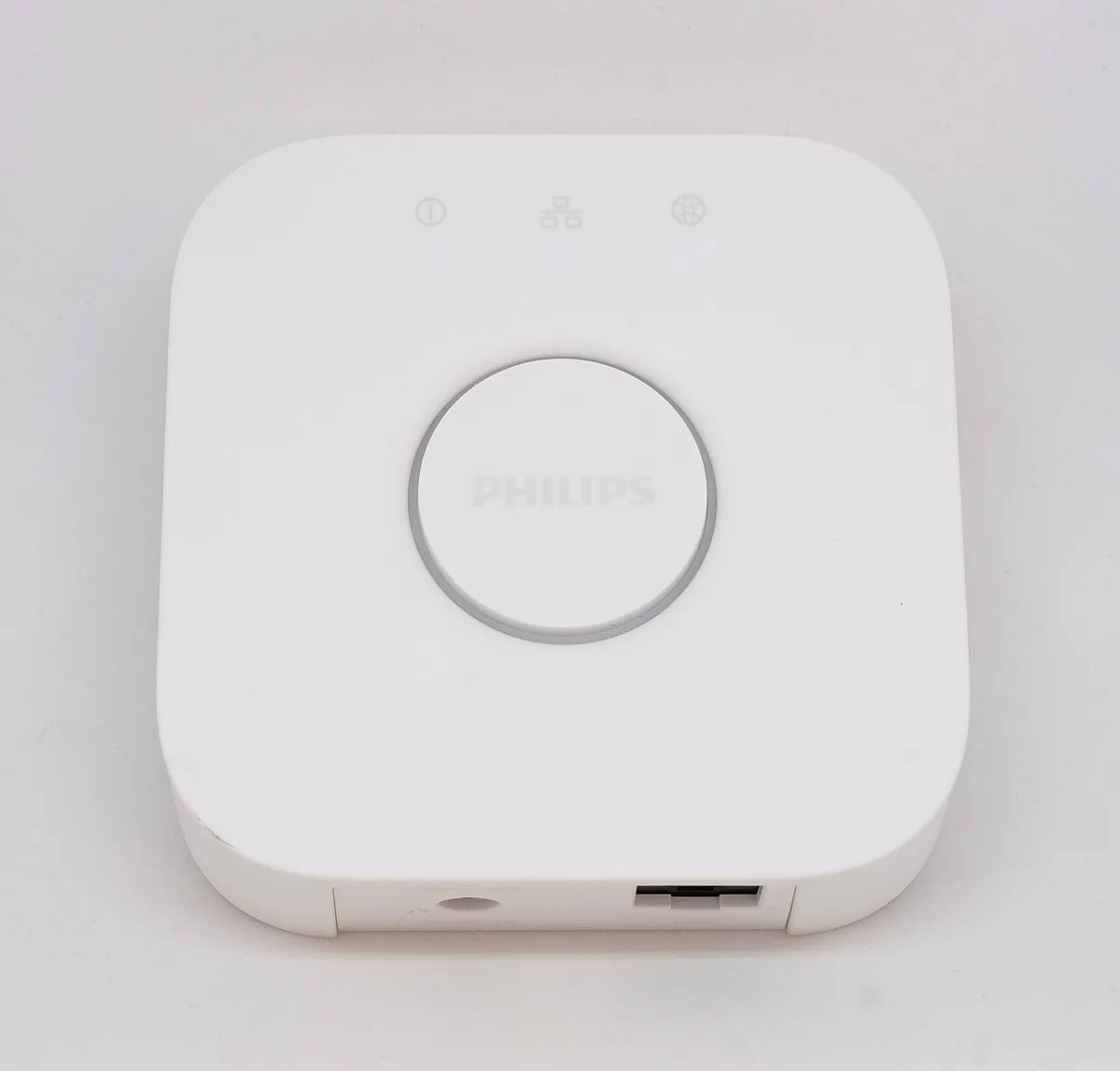
For transferred equipment, provide the non-sensitive model information and official setup instructions that the recipient needs. Include the required physical accessories agreed for the transfer. Do not hand over your personal account password or leave private household information in a casual document just because the device once used it.
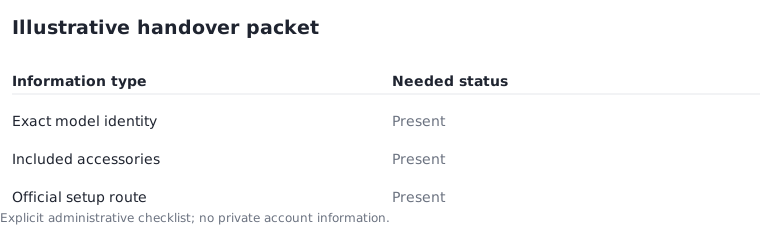
An illustrative packet might contain three types of information: exact product identity, included accessories and the official setup route. If one is missing, mark the packet incomplete rather than assuming the recipient can identify the product from a photograph. The ICO's guidance on data collection and permissions is a useful reminder that a new owner should make their own informed setup choices.
UK Information Commissioner: smart products ?
Close the record after the intended steps
Record which items were transferred and which supported removal or reset steps were completed. Keep the date and the official instructions used, without retaining unnecessary private information about the new owner. If a procedure fails or its effect is unclear, resolve that issue before representing the device as ready for someone else.
For equipment you keep, update room names and intended routines only after the new physical arrangement is understood. A previous home's automation plan may no longer suit the next room. The useful result is a clean separation between retained equipment and transferred equipment, supported by exact instructions and a small, accurate inventory rather than a hurried deletion of everything visible in an app.
Use a handover record with 3 steps: step 1, identify the exact item and agreed recipient; step 2, follow the applicable manufacturer and service-removal instructions; step 3, record the completed state and included accessories. Review the inventory 2 times, once before the procedure and once before the physical handover, to catch an omitted item. This is an administrative workflow, not permission to alter fixed equipment.
NCSC: smart devices in the home ?