Plan your first smart room around one useful routine
A UK starting plan for lighting, controls and connection requirements, with an explicit GBP budget example and a practical purchase record.
Updated:
Choose the job before the device
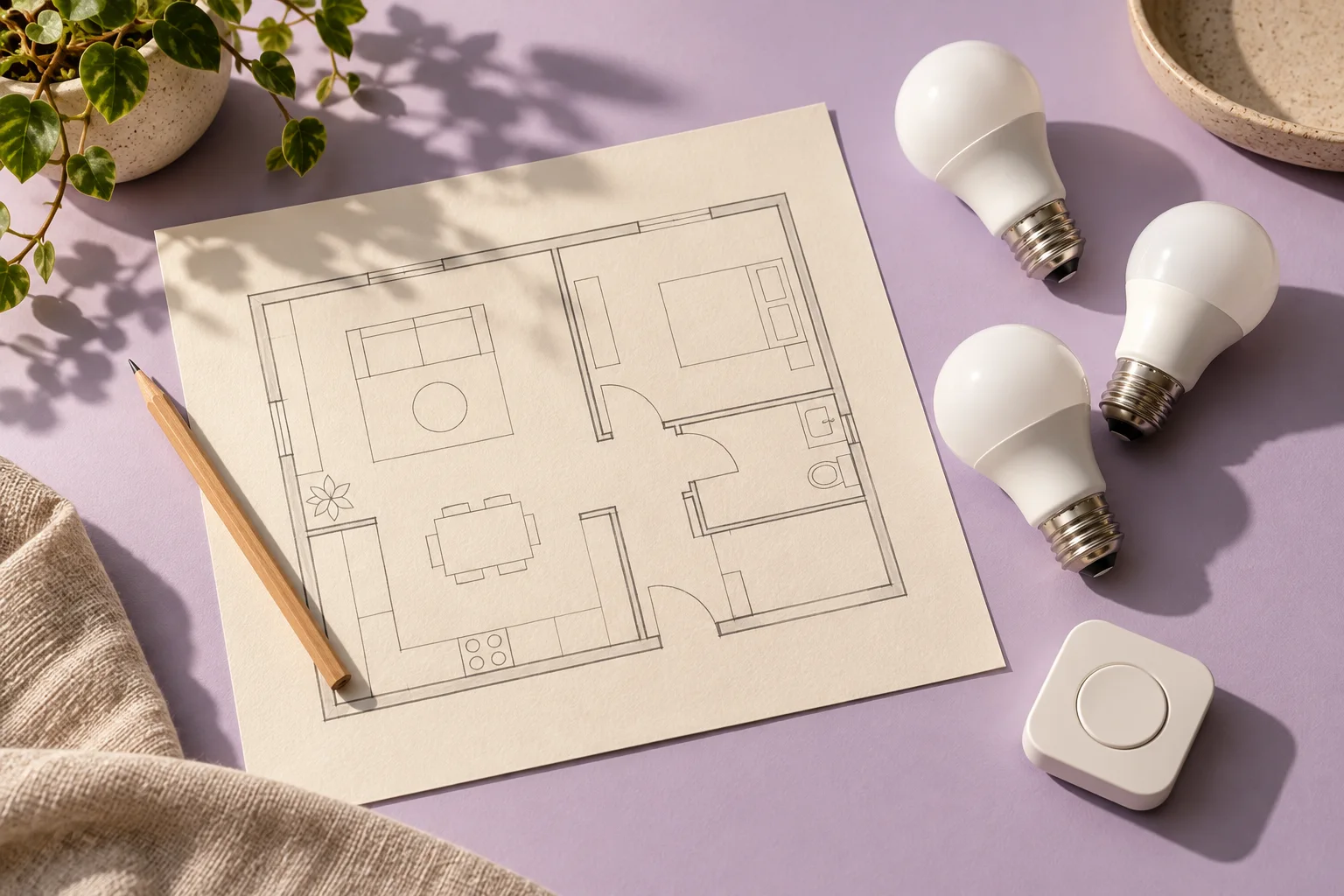
Start with one everyday outcome, such as turning a reading lamp on from a reachable button. Write down the action, who will use it and what should happen when someone wants ordinary manual control. That is a more useful first purchase brief than a list of exciting accessories. A room does not need every possible sensor to become easier to use.
Matter is a connection standard rather than a replacement for your chosen smart-home platform. The Connectivity Standards Alliance describes Wi-Fi, Ethernet and Thread connections, with Bluetooth Low Energy used during setup. Those names describe different parts of the system. They are not interchangeable promises printed on a box.
Connectivity Standards Alliance: Matter FAQ ?
Build a complete hypothetical basket
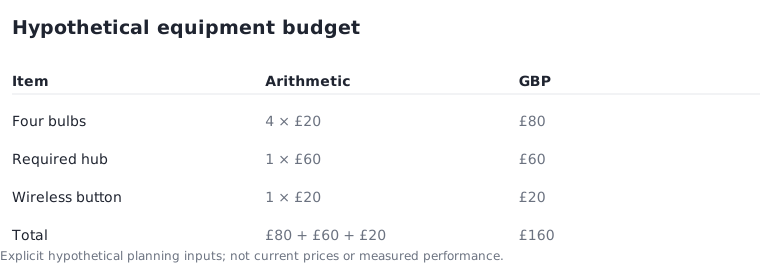
For a planning example, assume four bulbs at £20 each, one required hub at £60 and one wireless button at £20. The bulb subtotal is 4 × £20 = £80. Adding the hub and button gives a final equipment budget of £160. These are invented planning inputs, explicitly not current shop prices, a compatible shopping list or a tested installation.
If your existing equipment already supplies the required hub function, removing that assumed £60 makes the same example £100. That exception changes the answer substantially. Delivery, any required installation and replacement fittings are excluded here; add actual quoted amounts before treating a basket total as the full project cost.
Separate the connection roles
Make a small record with three columns: the accessory, the home platform and the connection it requires. For Google Home, its current preparation guide distinguishes a Matter hub from the additional Thread border-router role needed for Thread accessories. One physical device can perform both roles, but a familiar product name alone does not establish that it does.
Apple documents a different exception: supported iPhones and software can provide certain local Matter controls without a separate home hub. Apple still recommends a home hub for the best experience. Use the requirements for the exact platform and intended operation; do not carry one ecosystem's rule into every other purchase.
Google Home: preparing for Matter ? Apple UK: pairing and managing Matter accessories ?
Keep the first routine deliberately small
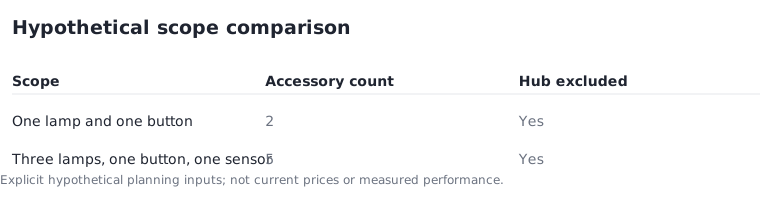
Compare two hypothetical scopes. The first controls one lamp with one button: two accessory items. The expanded plan adds two more lamps and one sensor, bringing the accessory count to five. This count excludes any hub and says nothing about compatibility or maximum supported devices. Its purpose is to make the difference in your own project visible.
Try the smaller scope before expanding. Record whether the intended person can find the control, whether the lamp behaves as expected after ordinary use, and whether the routine remains understandable to someone else at home. These are your acceptance questions, not results of testing performed by this website. A failed question is a reason to revise the plan.
Save the exact purchase and setup record
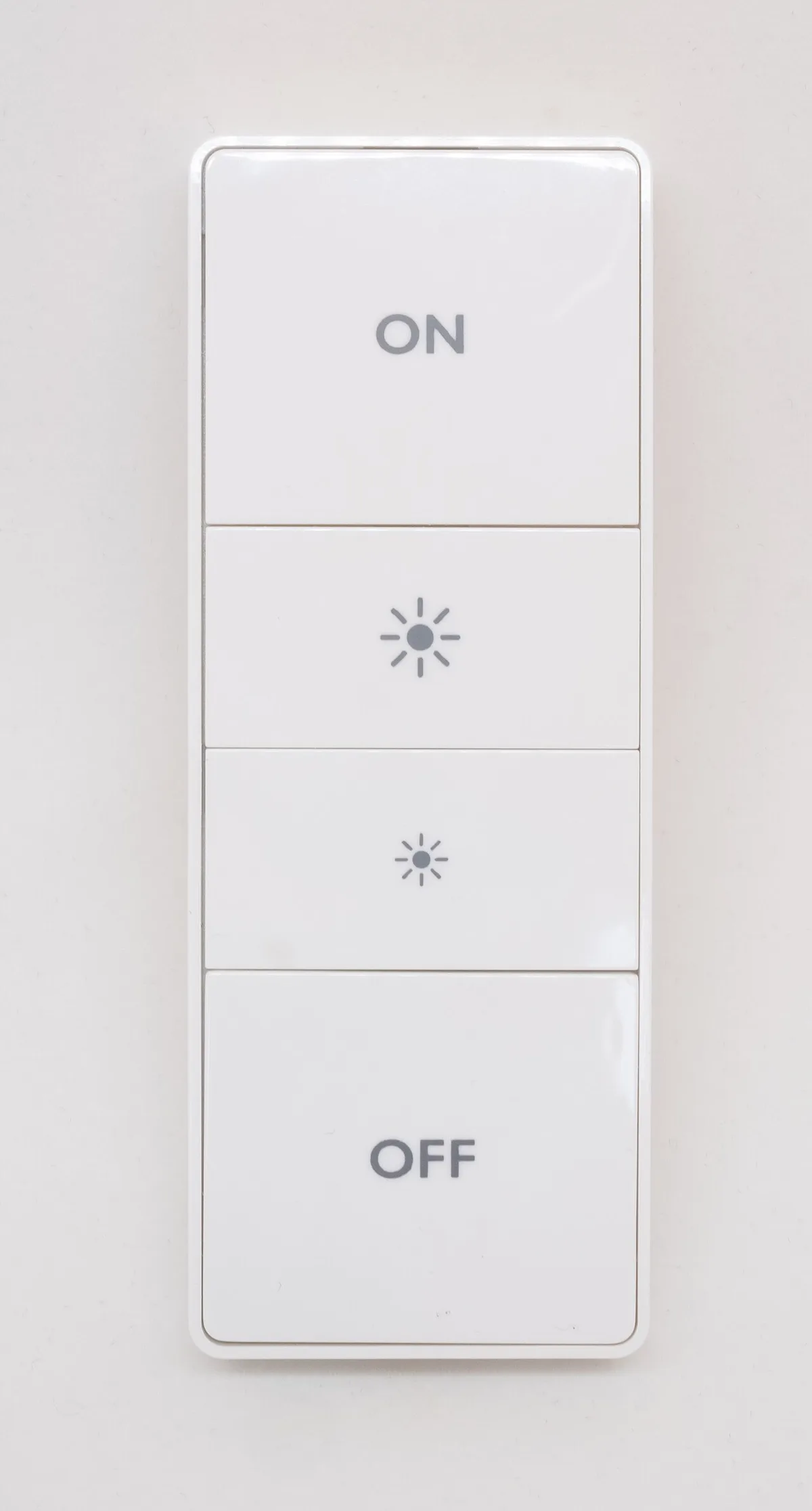
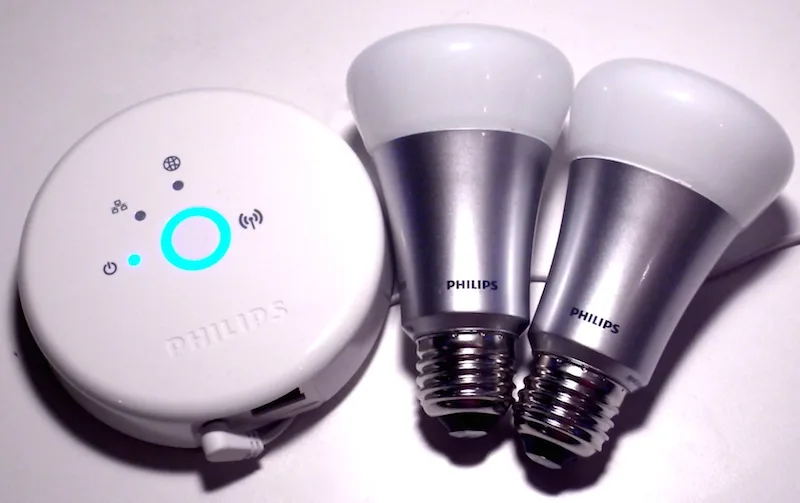
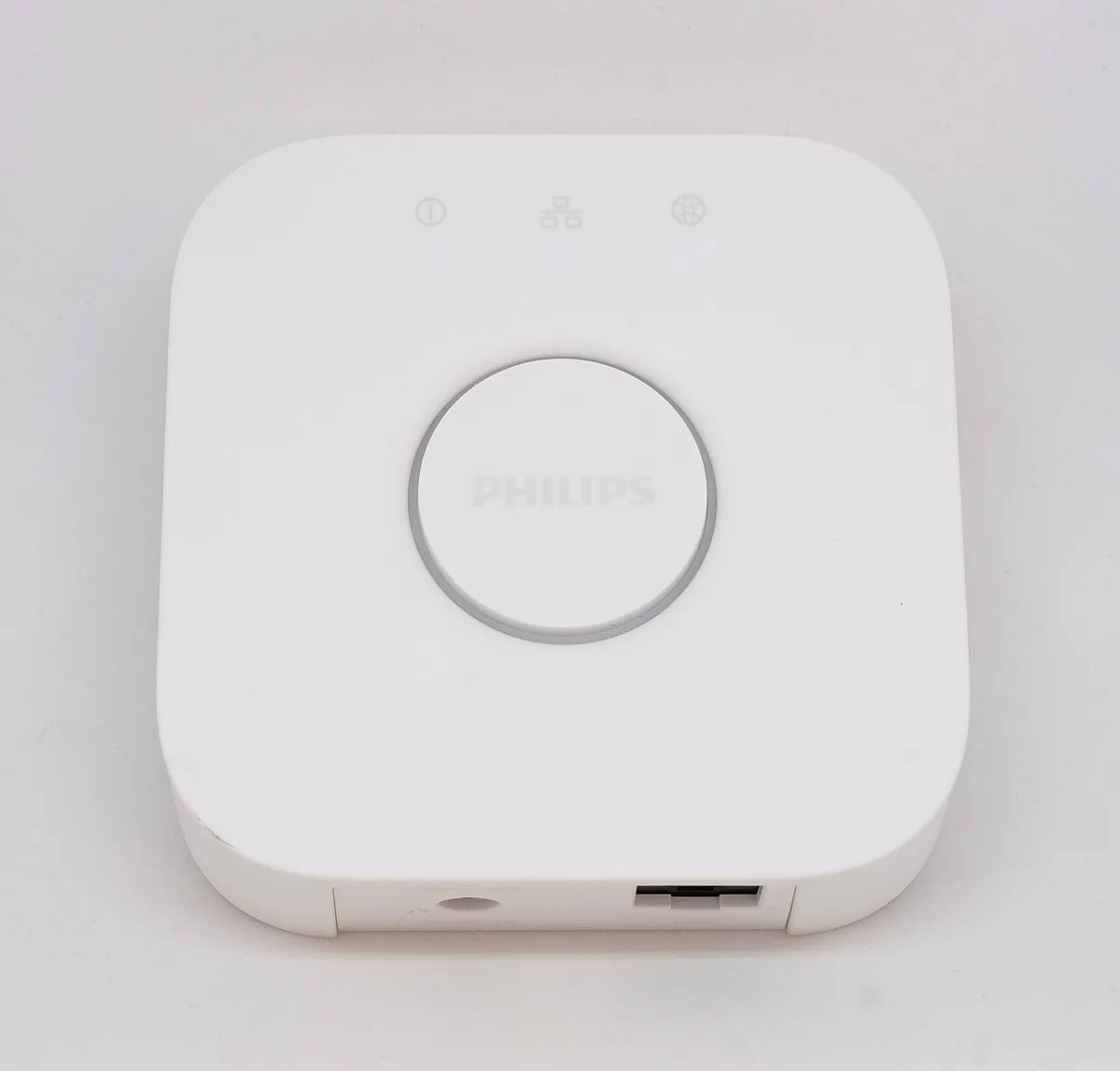
Before ordering, save the full model identifier, required connection, supported platform, included accessories and seller terms. Keep the manufacturer's setup and reset instructions with that record. A historical photograph can show what a separate bridge or physical remote looks like; it cannot establish today's software support for the item you intend to buy.
Use the official platform preparation pages linked here to settle the required roles, then return to the individual product documentation for its supported functions. If the desired routine depends on a feature that is not explicitly supported, leave that accessory out of the basket until the uncertainty is resolved. The useful result is one workable room plan with a complete cost, not the largest device collection.
Google Home: preparing for Matter ?