Build a complete smart-room budget before ordering
Combine devices, required connection equipment and services without double-counting a starter kit or hiding excluded costs.
Updated:
Define the basket around one agreed scope
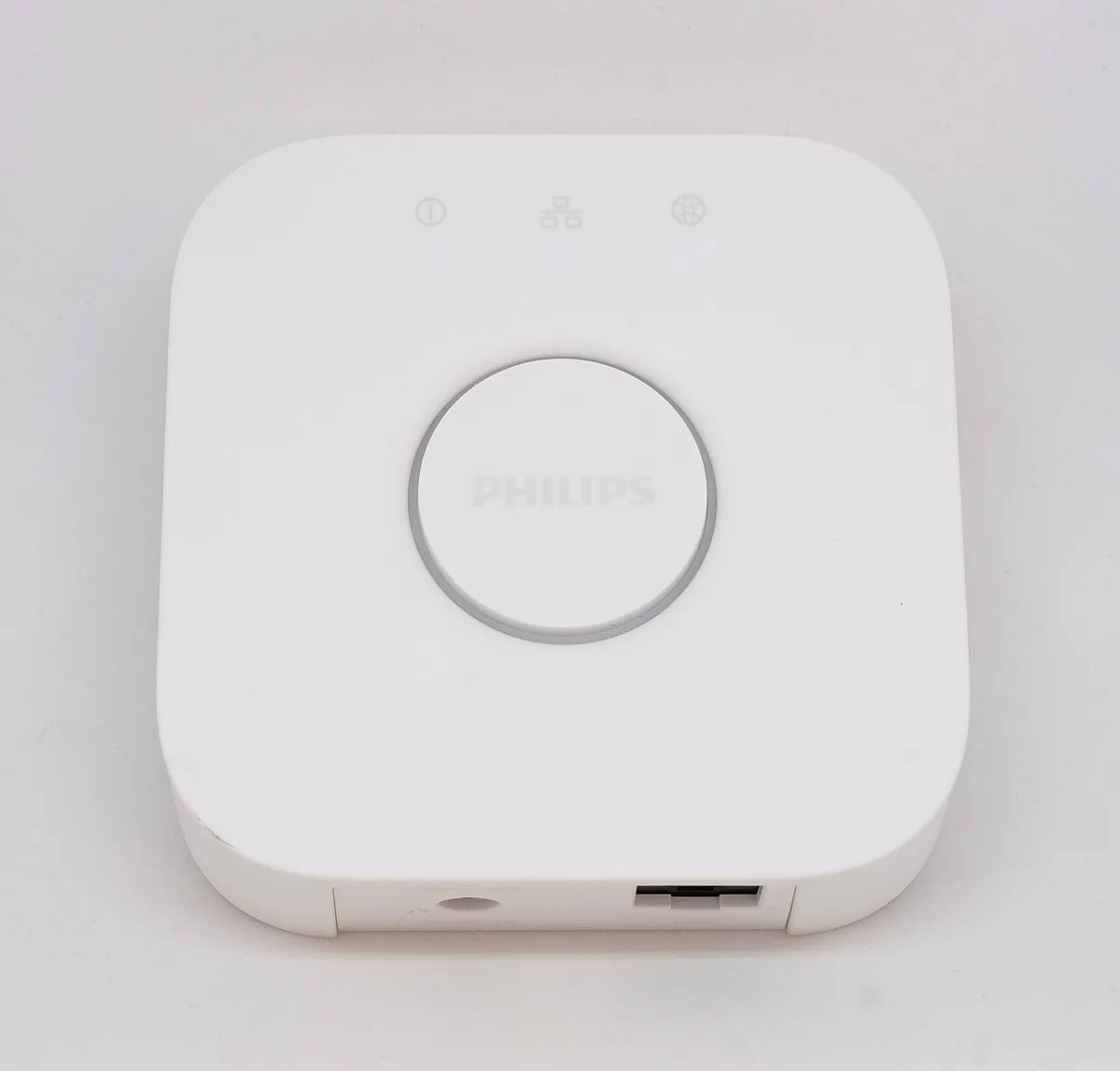
A complete budget begins with the exact room task and the supported equipment it requires. Separate lights, controls, sensors, connection equipment and services into their own lines. Google Home's preparation guide illustrates why connection requirements can add a necessary role to the basket, while a product you already own may already provide it.
Do not add a hub simply because another guide used one. Identify the requirement for your chosen platform and devices, then price the missing equipment. The budget should describe a supported plan, not an attractive collection whose compatibility will be investigated after delivery. Keep unresolved requirements outside the confirmed total.
Google Home: preparing for Matter ?
Add the equipment subtotal first
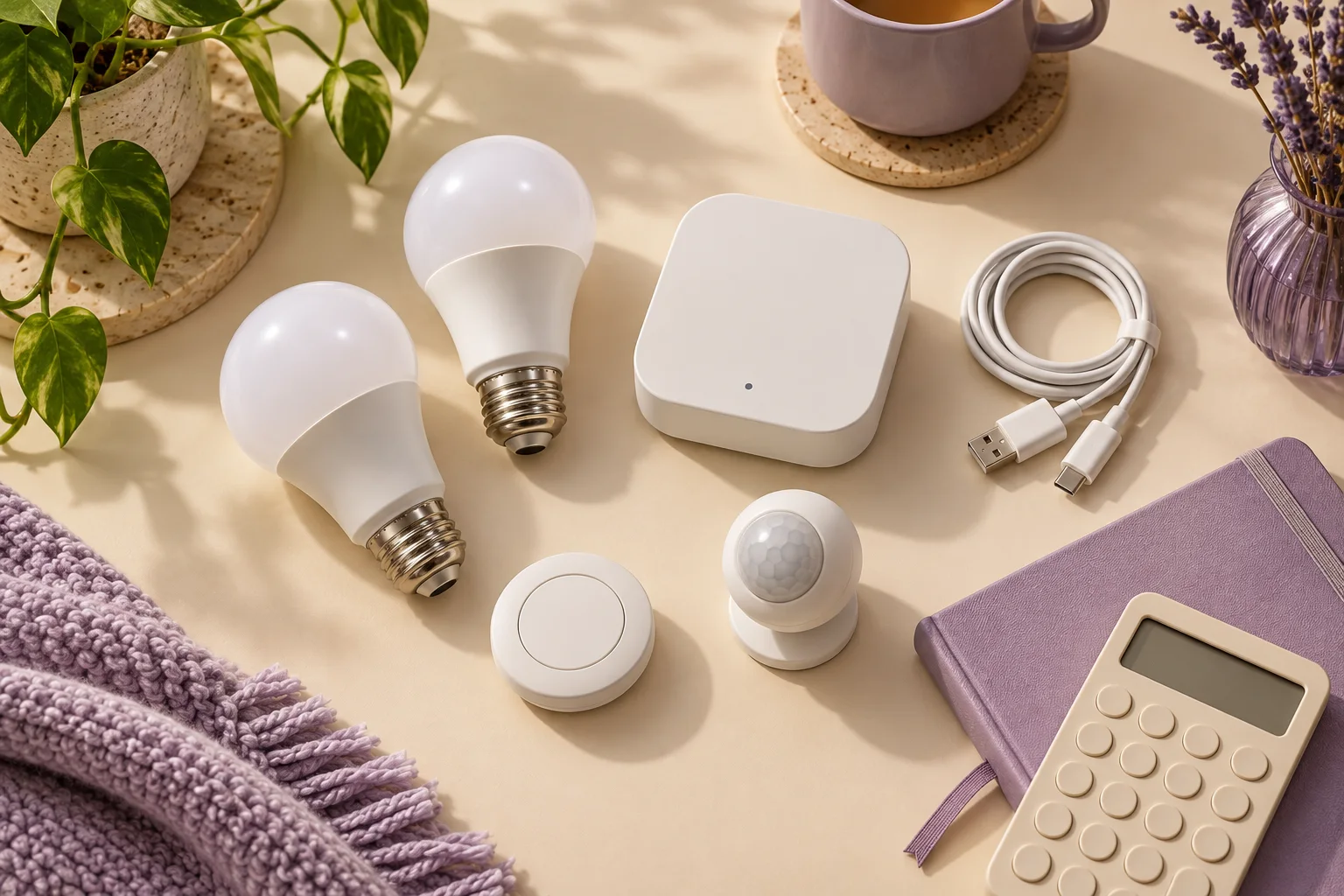
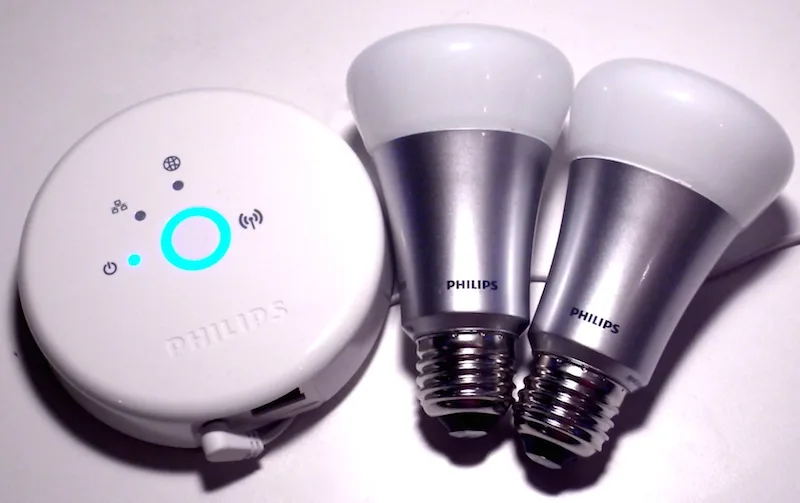
For a hypothetical example, assume four bulbs at £20 each, a required hub at £60, a button at £20 and a sensor at £30. The bulbs total £80. Adding £60, £20 and £30 gives an equipment subtotal of £190. These are explicit planning inputs, not current prices, a compatible kit or a recommendation to buy the pictured items.
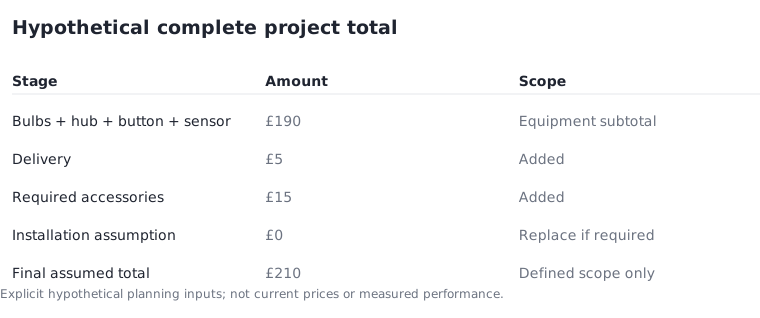
Label the £190 as equipment only. It does not yet include delivery, any necessary installation or additional accessories. Keeping that boundary clear prevents the intermediate value from becoming the final project cost merely because it is the largest number shown in the table.
Bring the remaining costs into the final total
Continue the same hypothetical example with £5 delivery and £15 for required accessories. If no installation service is included in this particular assumption, its line is £0. The complete assumed total becomes £190 + £5 + £15 + £0 = £210. A real project needing installation must replace that zero with an actual quoted amount.
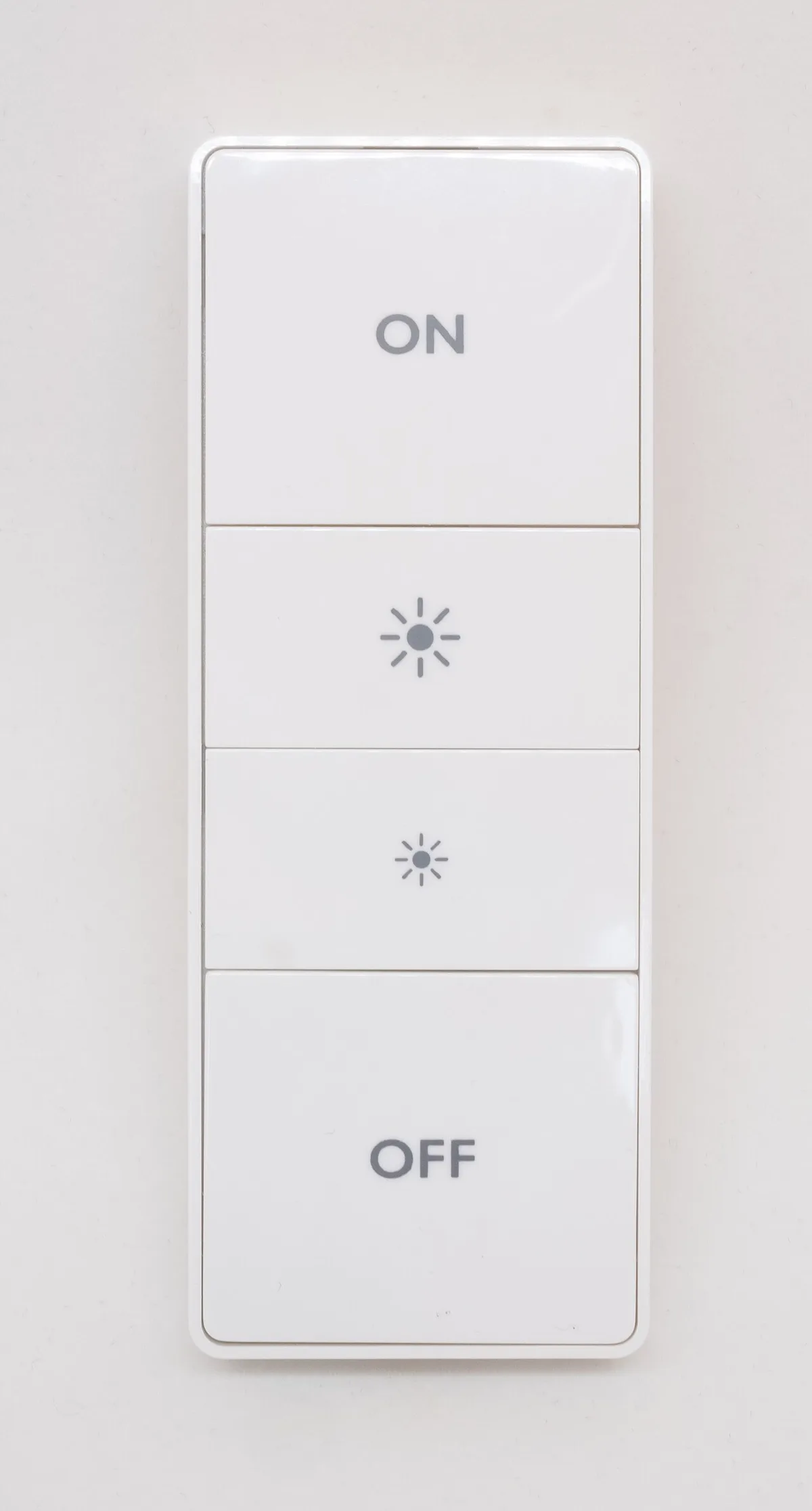
A no-wire battery remote and a fixed electrical alteration are different scopes. The Hue dimmer product page describes the former. Do not use its no-wire description to erase service costs from an unrelated installation plan. The total is only as complete as the scope you have accurately described.
Philips Hue UK: wireless dimmer switch ?
Check bundles for duplicate lines
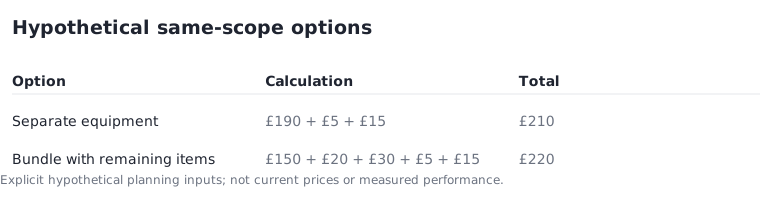
A starter kit may include items you otherwise listed separately. Record the actual contents against the individual lines before comparing it with separate purchases. If a hypothetical £150 bundle includes the £80 bulb group and £60 hub from your plan, remove those two separate lines when inserting the bundle; do not add all three amounts.
With the assumed £20 button, £30 sensor, £5 delivery and £15 accessories, that bundle scenario totals £220. It is £10 above the separate-purchase example, given these invented inputs. A different bundle content or delivery charge could reverse the result. Compare the same required scope rather than assuming a kit is automatically cheaper.
Save a purchase-ready cost record
Keep the exact model, quantity, included items, seller quotation date and any exclusions beside each amount. Mark which requirements are already owned and which are new purchases. Before ordering, confirm that every essential item appears once and that unresolved costs have not been quietly replaced by zero.
Use the Room Signal room-budget tool for the addition, then review the underlying scope yourself. Arithmetic can catch neither an incompatible device nor a missing installation requirement. The useful final record is a supported equipment list with a complete stated cost and its remaining uncertainties, not a headline price that becomes larger as soon as the project begins.
Google Home: preparing for Matter ?