Keep a useful smart-device setup record without exposing its codes
Separate public model information from private setup details and keep the official recovery instructions easy to find.
Updated:
Keep identity and access information separate
A useful device record tells you what the product is, where it belongs and which instructions apply. It should not become a public collection of setup codes or account credentials. Apple explains that paired Matter accessories can be viewed in Settings with identifying and connected-service information. Use that supported view to understand the record available in your own system.
Make two categories: ordinary inventory information and private setup information. Model names, room labels and official support links can sit in the inventory. Credentials and setup details need appropriate private storage. Do not post a photograph containing a code merely to ask someone to identify a device; share the non-sensitive model information instead.
Apple UK: pairing and managing Matter accessories ?
Create a minimal inventory row
For each accessory, record the full model, room or task, controlling platform and official support page. Add the date when the information was checked. These fields are enough to connect a physical object with its documentation without storing every marketing feature or copying a whole product page.
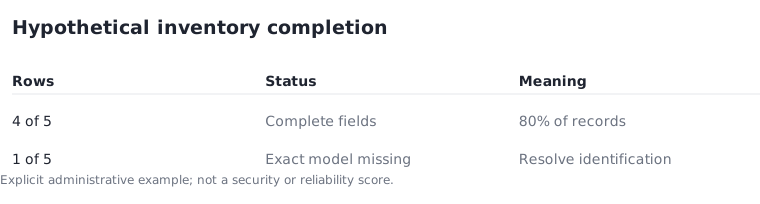
In a hypothetical five-device inventory, four rows may have all required fields while one is missing its exact model. That is four complete records and one unresolved record. The 80% completion figure describes the paperwork only. It does not indicate security, compatibility or reliability. The remaining row needs identification before you rely on instructions for a similar-looking product.
Preserve the manufacturer recovery route
Keep a link to the exact setup and reset instructions with the device record. The NCSC directs users to manufacturer guidance for device-specific setup and reset procedures. Different products can use different sequences, and a reset can remove settings you may want to retain. Do not substitute a remembered button-holding duration from another device.
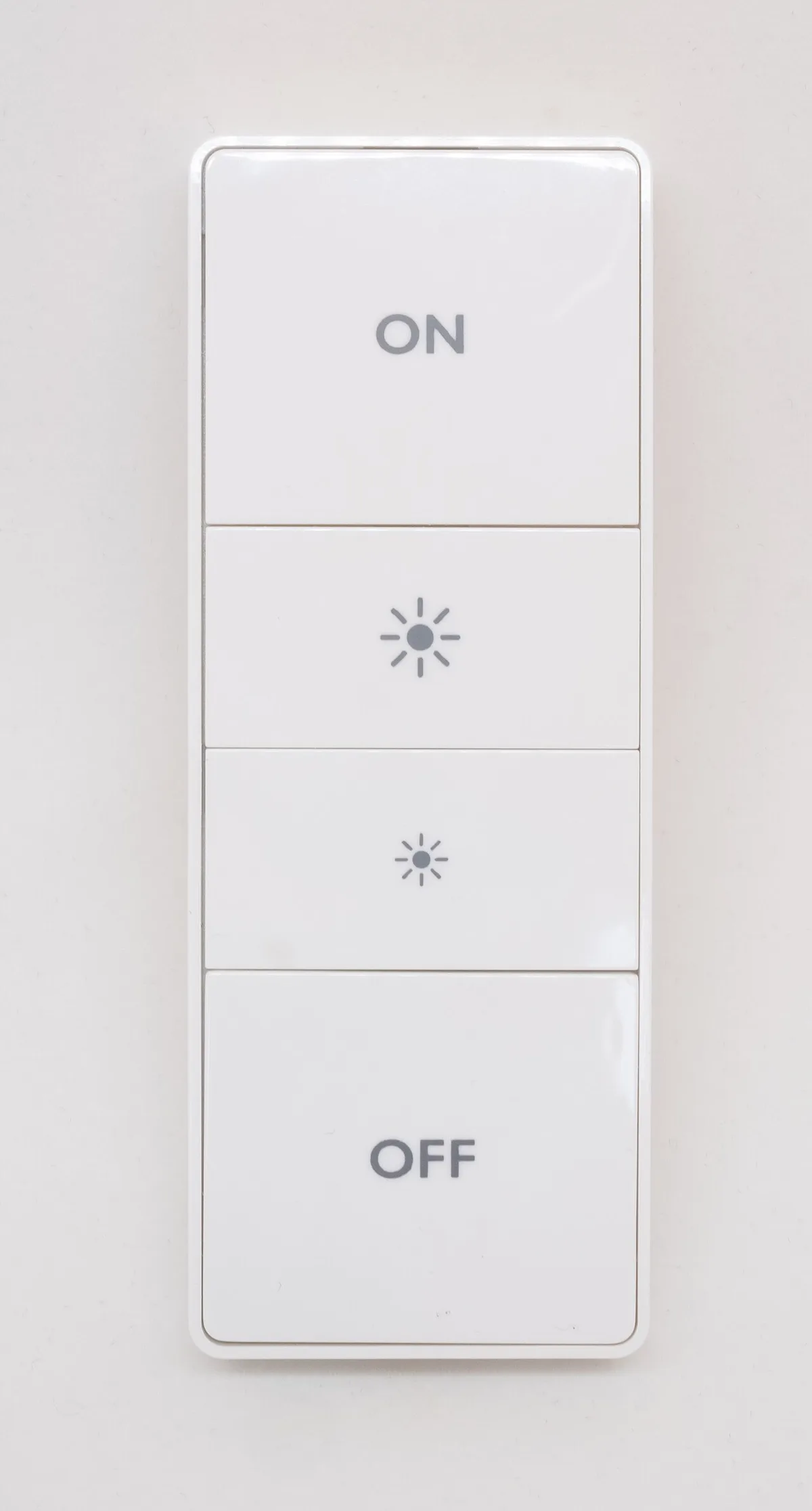
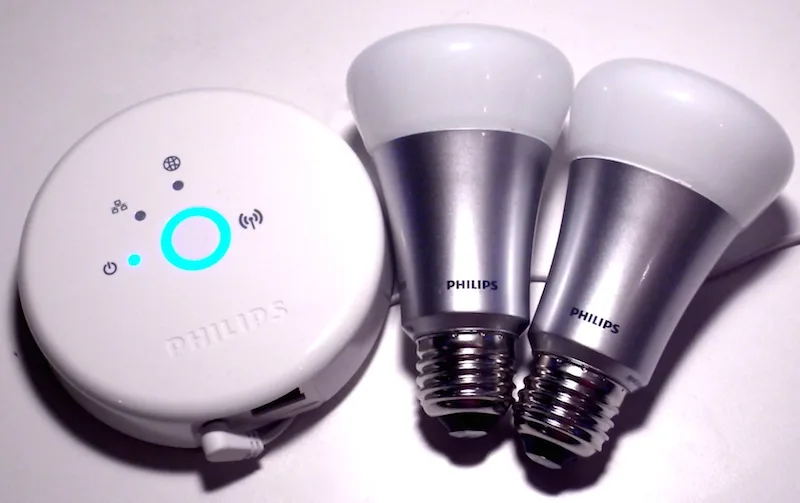
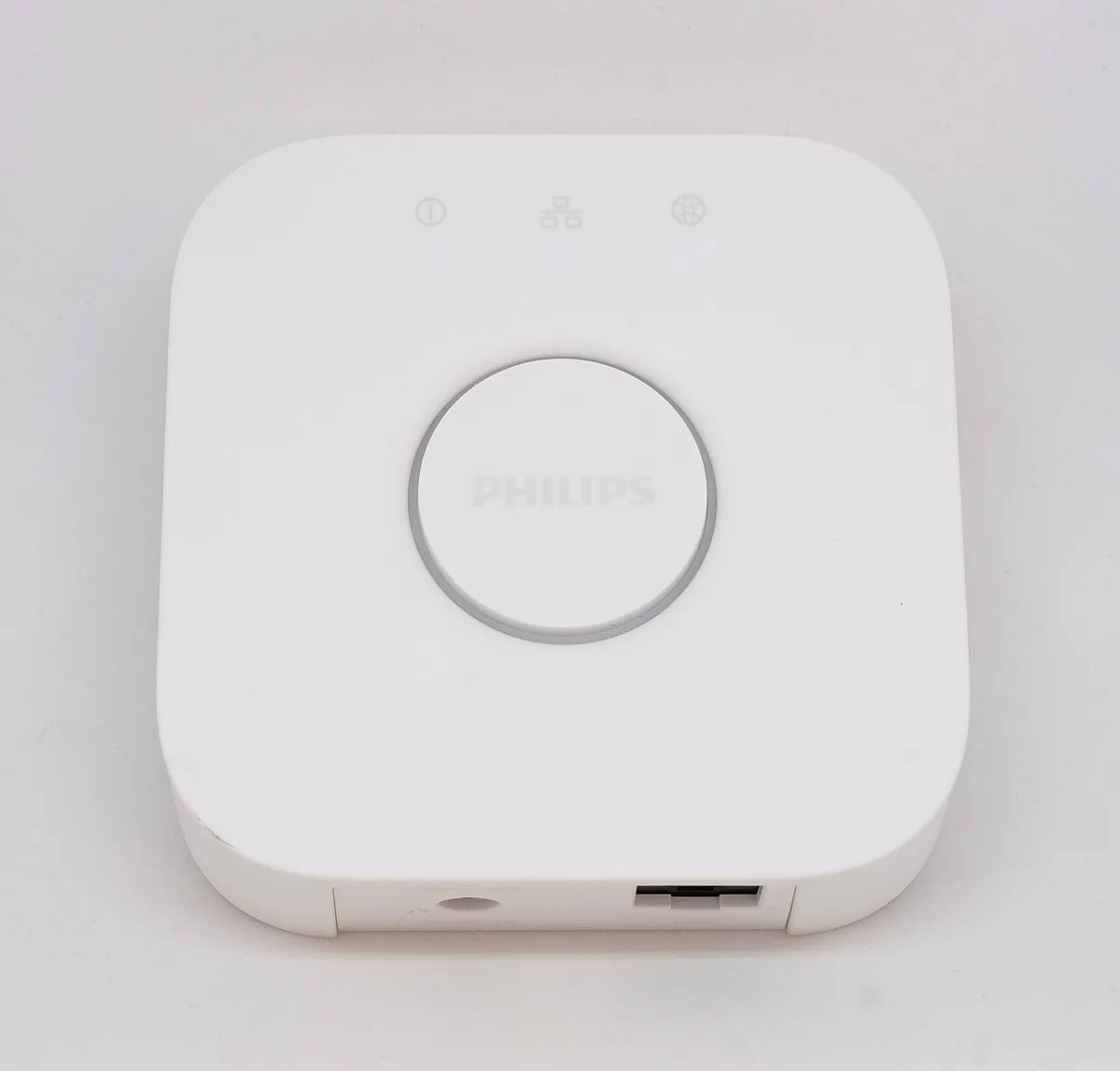
The historical bridge and remote photographs show why physical recognition is insufficient. A familiar enclosure can be associated with different generations, while a control layout does not establish the current software procedure. The inventory should take you to the right instructions, rather than tempt you to experiment until something happens.
NCSC: smart devices in the home ?
Record service relationships deliberately
For a Matter accessory used through several services, note which services are intentionally connected. Apple's management guidance distinguishes removing a stored accessory record from removing connected services. Treat those as distinct operations and read the current explanation before changing them. Removing a listing in one place should not be assumed to perform every possible account or device cleanup.
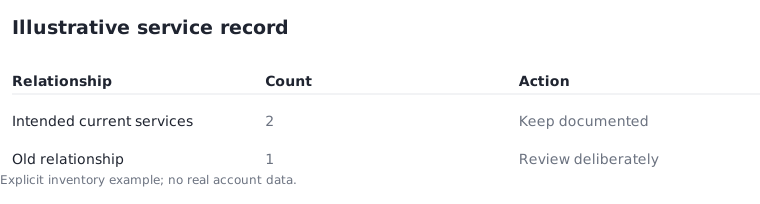
For an illustrative record, a lamp could have two intended service relationships and one old relationship marked for review. The count of three is not itself a problem; the unanswered question is whether all three are still wanted and understood. Resolve that question using the supported management controls rather than deleting items blindly.
Maintain the record when the setup changes
Update the inventory after a device changes room, a service is added or a product is replaced. Keep obsolete model details from silently remaining attached to a new item with the same room name. A short change note can be more useful than a large spreadsheet that nobody revisits.
Before sharing the record with an installer or another household member, remove information they do not need and use an appropriate private method for anything sensitive. This site does not collect your device records or setup codes. The result should be a practical index to the exact products and official instructions, with private access details kept out of public screenshots and casual notes.
Apple UK: pairing and managing Matter accessories ?