Can a bridge bring your existing lights into a Matter setup?
Check the exact bridge and exported features before replacing working bulbs or assuming a software upgrade will connect them.
Updated:

Look for an explicit supported route
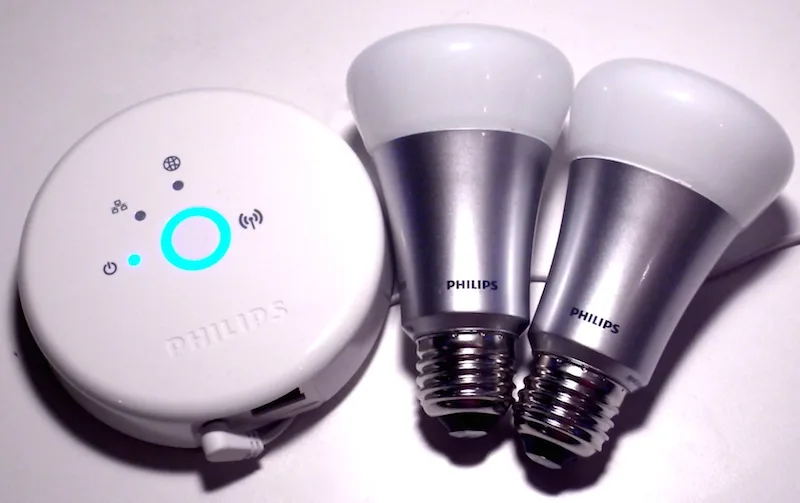
A bridge can allow devices using another protocol to participate in a Matter system. That is different from saying every existing bulb becomes a native Matter accessory. The Connectivity Standards Alliance describes bridging as a way to connect other technologies, including Zigbee, while noting that Matter and Zigbee are different protocols. The bridge and the supported devices both matter.
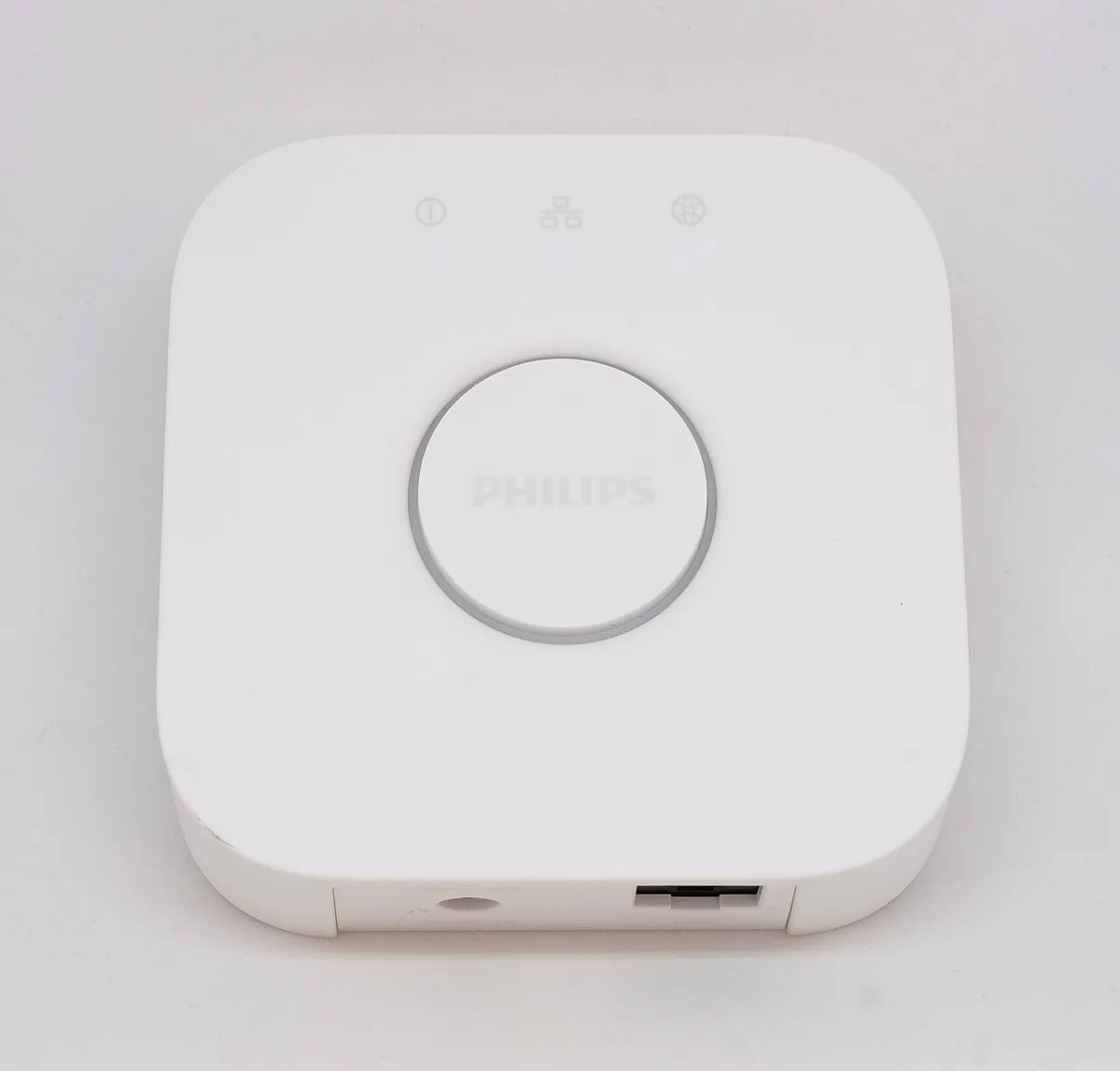
Begin with the exact bridge model and the lights attached to it. Find a manufacturer statement covering that combination and the function you want to use. A promise about a product family, an old announcement or a similar-looking bridge is not enough to identify the supported route for your own equipment.
Connectivity Standards Alliance: Matter FAQ ?
Count the working lights before replacing them
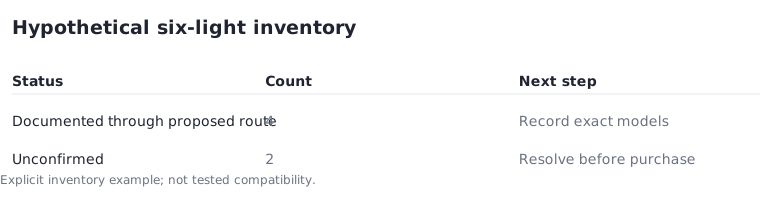
For an explicit planning example, suppose a room has six working lights. Four have documented support through the proposed bridge, while two remain unconfirmed. The supported subset is four; the unresolved subset is two. Do not describe all six as ready because a bridge appears somewhere in the system.
This inventory can prevent an unnecessary full replacement. It can also reveal when retaining an old item is not useful for the intended routine. The count is a planning record, not a test result. Record each model separately, especially when identical lamp shades hide bulbs bought at different times or from different ranges.
Compare features rather than a simple yes
Create a small feature list for the actual task: on and off, brightness, white adjustment or another specifically needed action. Then look for each action in the documentation for the bridge and destination platform. The platform's current device-type support may differ from the standard's broader capabilities, as Google explains in its Matter preparation guidance.
A basic on/off connection can be useful even when a manufacturer's specialised effect remains available only elsewhere. Conversely, if that effect is the reason for the purchase, basic control is not an adequate substitute. Mark unsupported and unknown features distinctly. Unknown means more evidence is needed; it does not mean yes with a small caveat.
Google Home: preparing for Matter ?
Price the retained and replaced portions
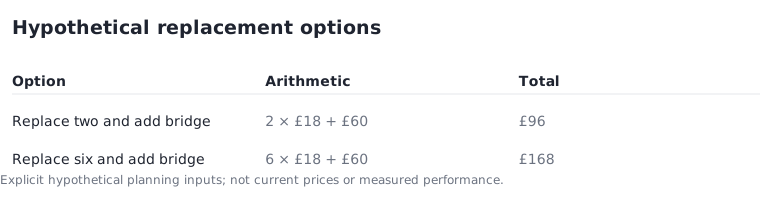
Assume four lights are retained at no new bulb cost, two replacements are budgeted at £18 each, and a required bridge allowance is £60. The replacement subtotal is 2 × £18 = £36. Adding the bridge produces an assumed equipment total of £96. This is hypothetical arithmetic, not an actual compatible kit or current offer.
Replacing all six at the same assumed bulb price plus the same bridge would total £168. The £72 difference illustrates the value of a precise inventory. It does not establish that keeping old equipment is always preferable. Support status, required features and the condition of the actual devices can change the decision before costs are compared.
Preserve the model and update evidence
Save the bridge model, relevant software version requirement and the manufacturer's current support statement with the room plan. Keep the old equipment operational until the supported route is established. Do not assume an update will arrive simply because another product from the same brand received one.
The Alliance states that updates depend on technical capability and the manufacturer's decision to provide them. That is a reason to distinguish an available supported function from an announced possibility. Your next action is to match the exact bridge and retained lights to a documented route, then revise the basket only for the items the completed inventory actually requires.
Connectivity Standards Alliance: Matter FAQ ?