Matter and Thread describe different parts of your smart home
Separate the control standard from the network, then turn the distinction into a useful device comparison record.
Updated:
Put the two names in different columns
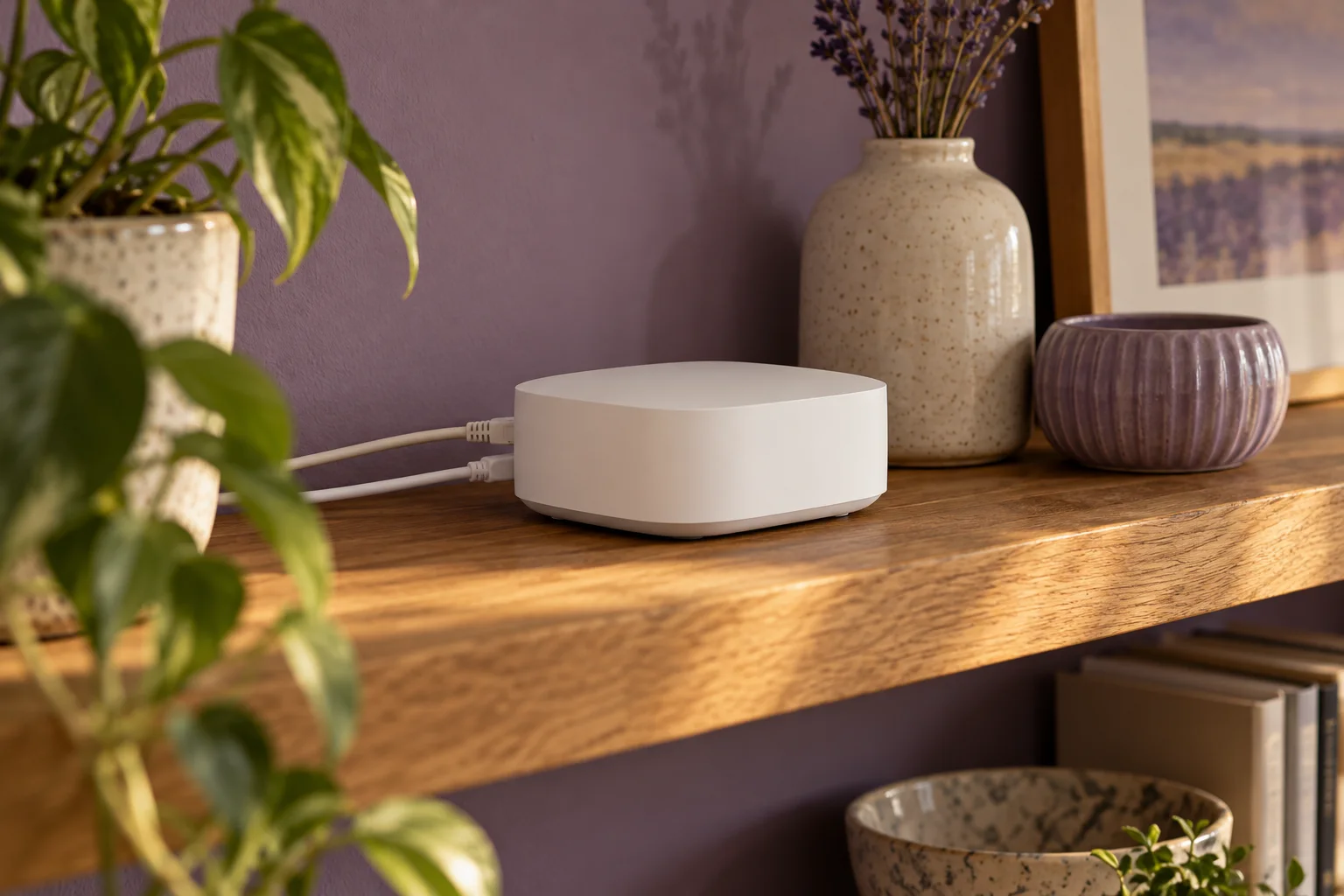
Matter and Thread are not competing names for the same thing. Matter describes how supported smart-home devices communicate at the application level. Thread provides an IP-based wireless network. The Thread Group explains that a border router carries traffic between that network and other IP networks. A product can therefore use Matter over Thread without either term replacing the other.
For a UK purchase, make separate columns headed standard, network and platform. Enter only what the exact product documentation states. This simple separation prevents a common shopping mistake: treating a networking logo as proof that every feature will appear in a favourite app. It also gives you a place to record an unanswered question.
Connectivity Standards Alliance: Matter FAQ ? Thread Group: border router versus hub or bridge ?
Trace a single intended action
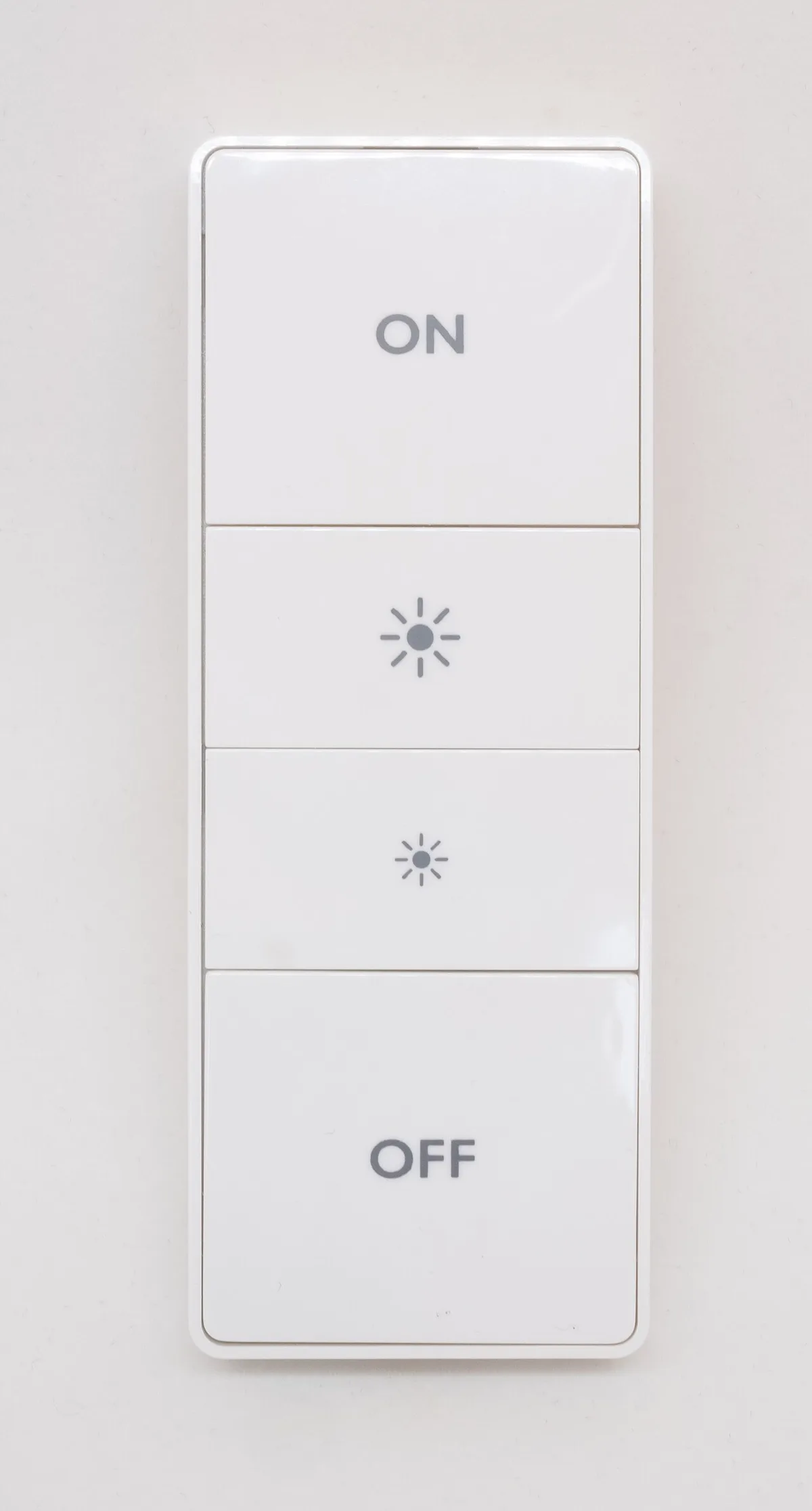
Take an illustrative task: a button should turn a reading lamp on. Write the button, the lamp and the controlling platform on three separate lines. Then record the stated connection for each accessory. The goal is to identify the required relationships, not to sketch an impressive collection of wireless logos.
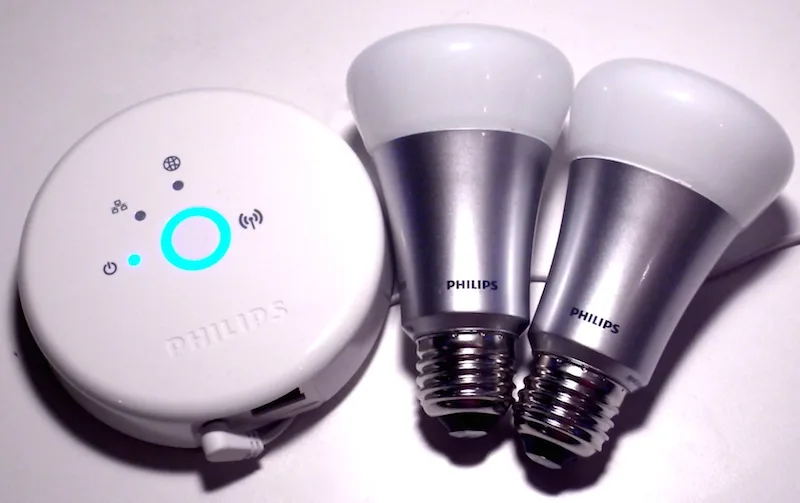
Count the information you have rather than guessing. If the button record has a model and platform but no confirmed connection, two of the three fields are complete. That is 2 ÷ 3, or about 67%. The remaining field is still unresolved. This is an administrative completeness score only; it is not a compatibility probability, reliability rating or reason to proceed with an uncertain purchase.
Keep the historical bridge in context
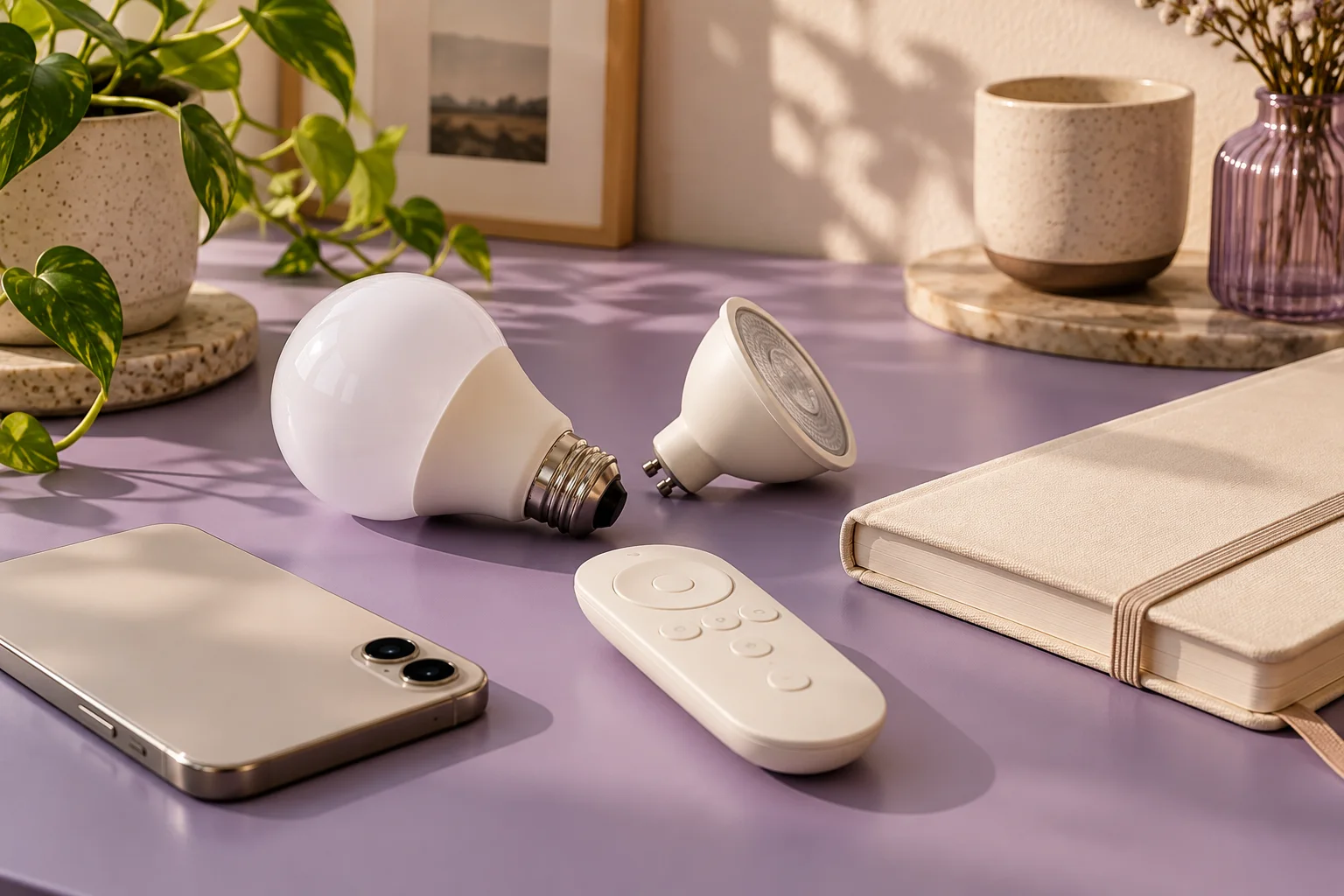
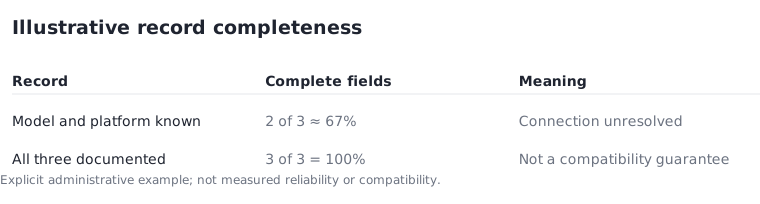
A photograph of an old lighting kit can show the physical separation between bulbs and a bridge. It cannot prove that those historical devices support the current standard. The round first-generation bridge pictured here is deliberately labelled historical. Do not use its appearance to identify a present-day product or infer an upgrade path.
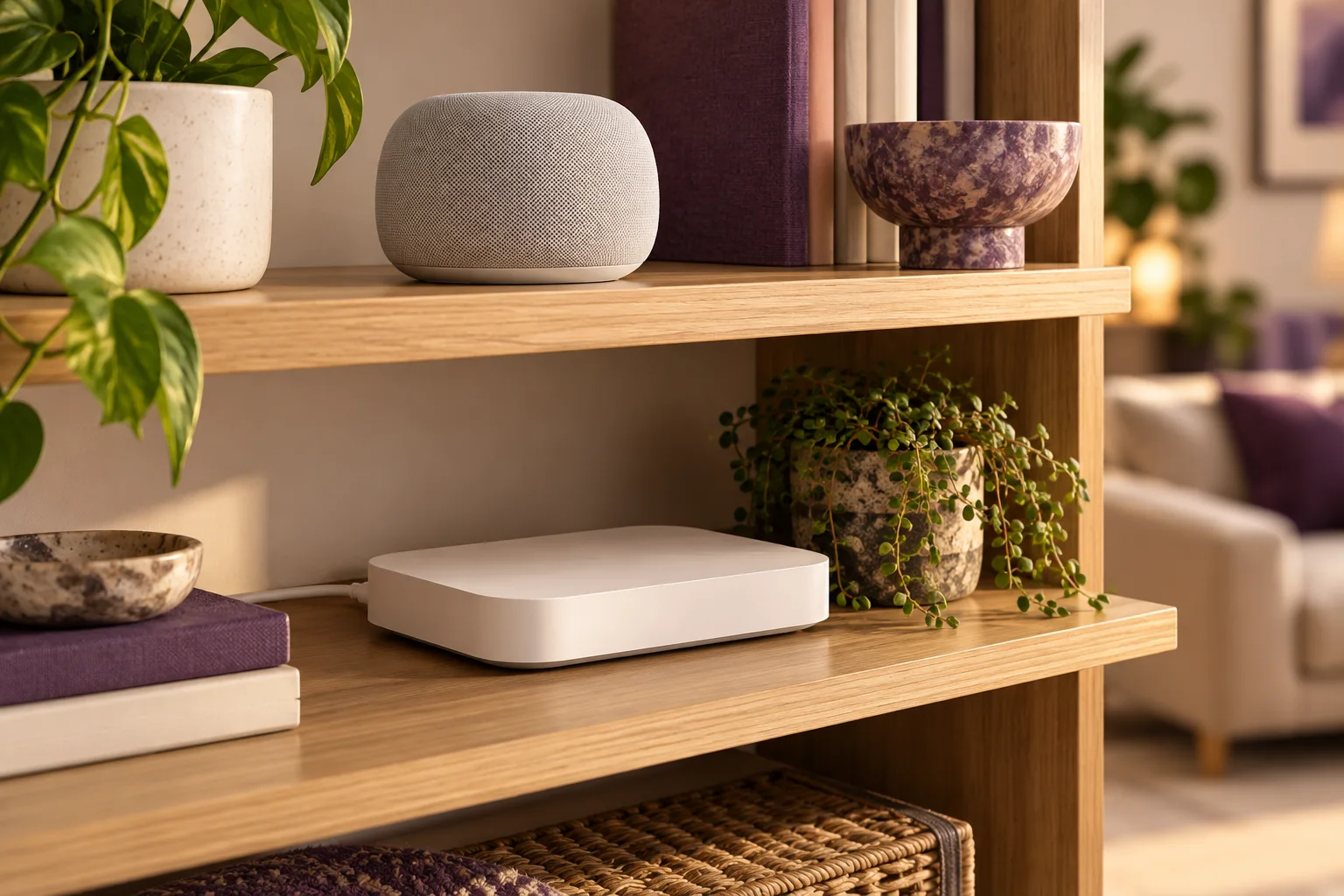
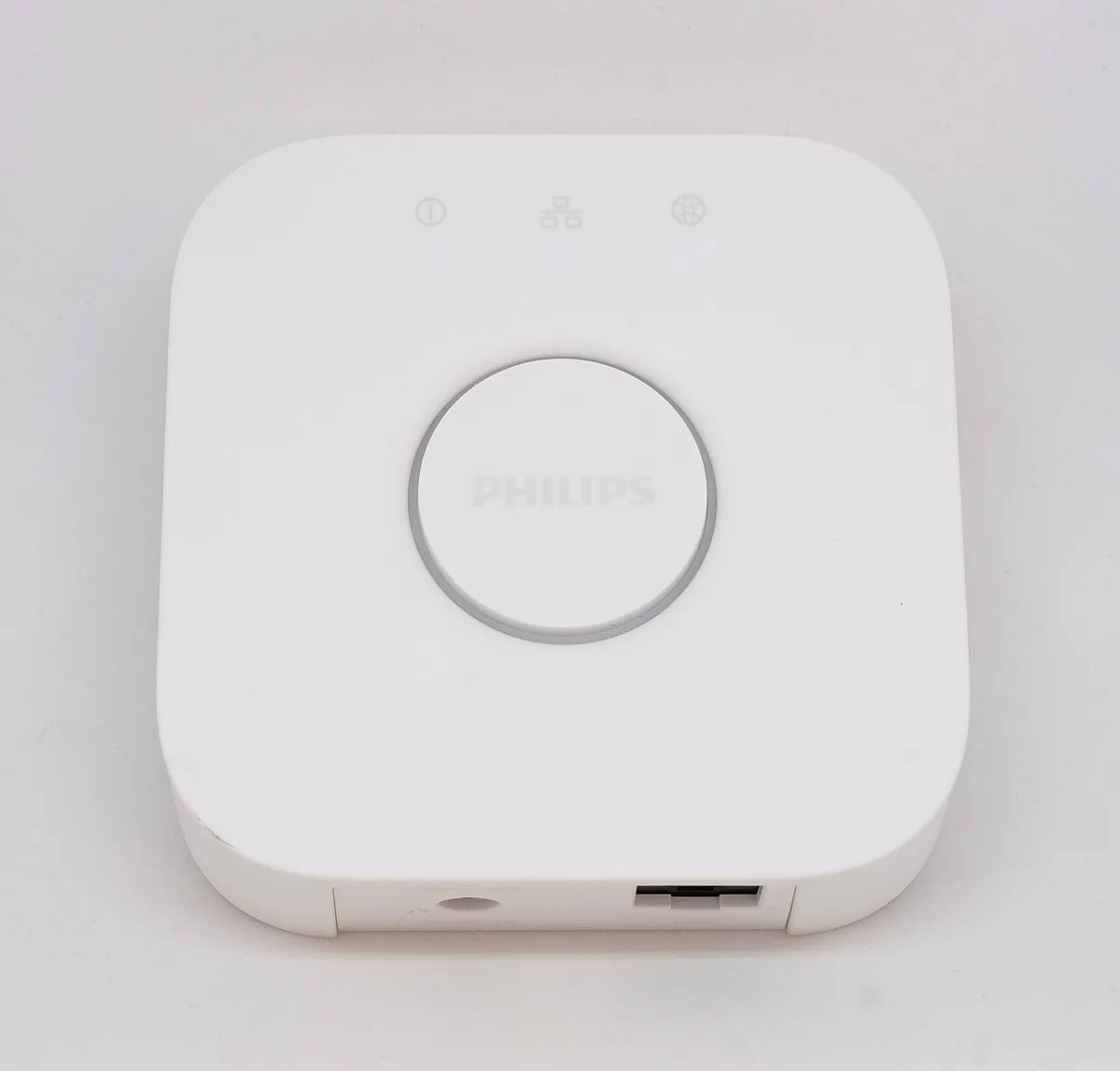
Likewise, a square box with an Ethernet socket does not tell you whether it supplies a Thread border-router role. Record the full model identifier and the manufacturer's stated function. Several roles may be combined in one device, while visually similar products can differ. The useful evidence is the current specification, not the silhouette on a shelf.
Compare complete network plans
Assume plan A needs a new £60 hub and plan B can use equipment already owned. If both hypothetical plans have £80 of accessories, their equipment totals are £140 and £80. The £60 difference follows only from those explicit inputs. It is not evidence that Thread is cheaper, or that either plan works with the accessories you selected.
This example also shows why comparing only bulb prices can miss the deciding cost. Add every required role to the plan, then establish whether existing equipment supplies it. Avoid counting a combined device twice merely because it performs two functions. Actual quotations and confirmed support replace every assumption before ordering.

Finish with the platform support list
Use the chosen platform's current supported-device information after identifying the networking requirement. Google explicitly notes that platforms adopt supported Matter device types at different times. A standard can describe a capability before a particular app exposes the feature you need. Treat device type and desired action as separate checks.
Your finished record should answer which accessory performs the action, which platform controls it and which connection is required. If one answer remains uncertain, the next step is to obtain the exact supporting documentation or choose an alternative with explicit support. Buying an extra box without resolving the missing role may add cost without solving the original problem.
Google Home: preparing for Matter ?