Combine motion and daylight without creating unwanted light
Define when a lighting routine should act, then compare the conditions before changing thresholds or delays.
Updated:
Write the condition as well as the action
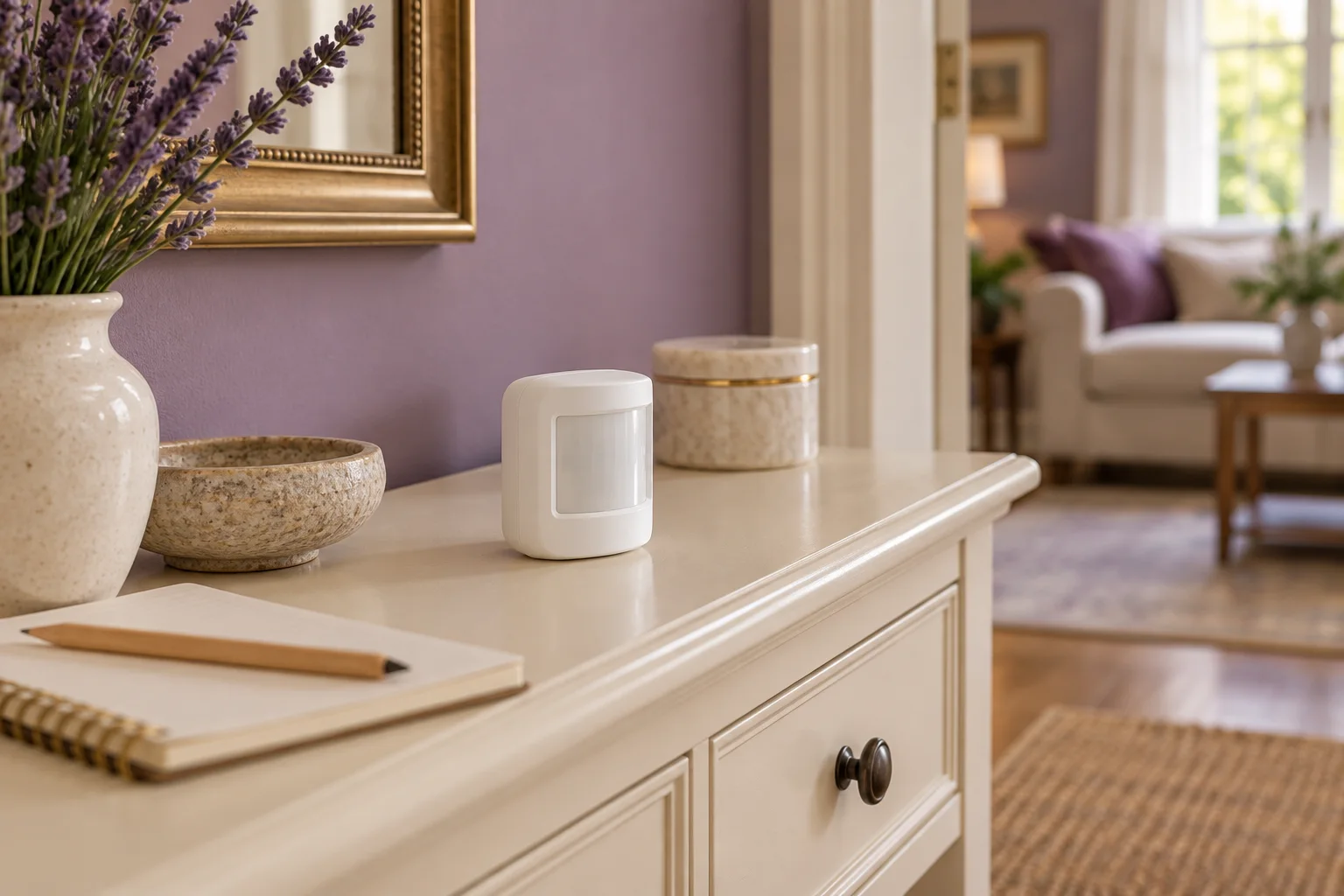
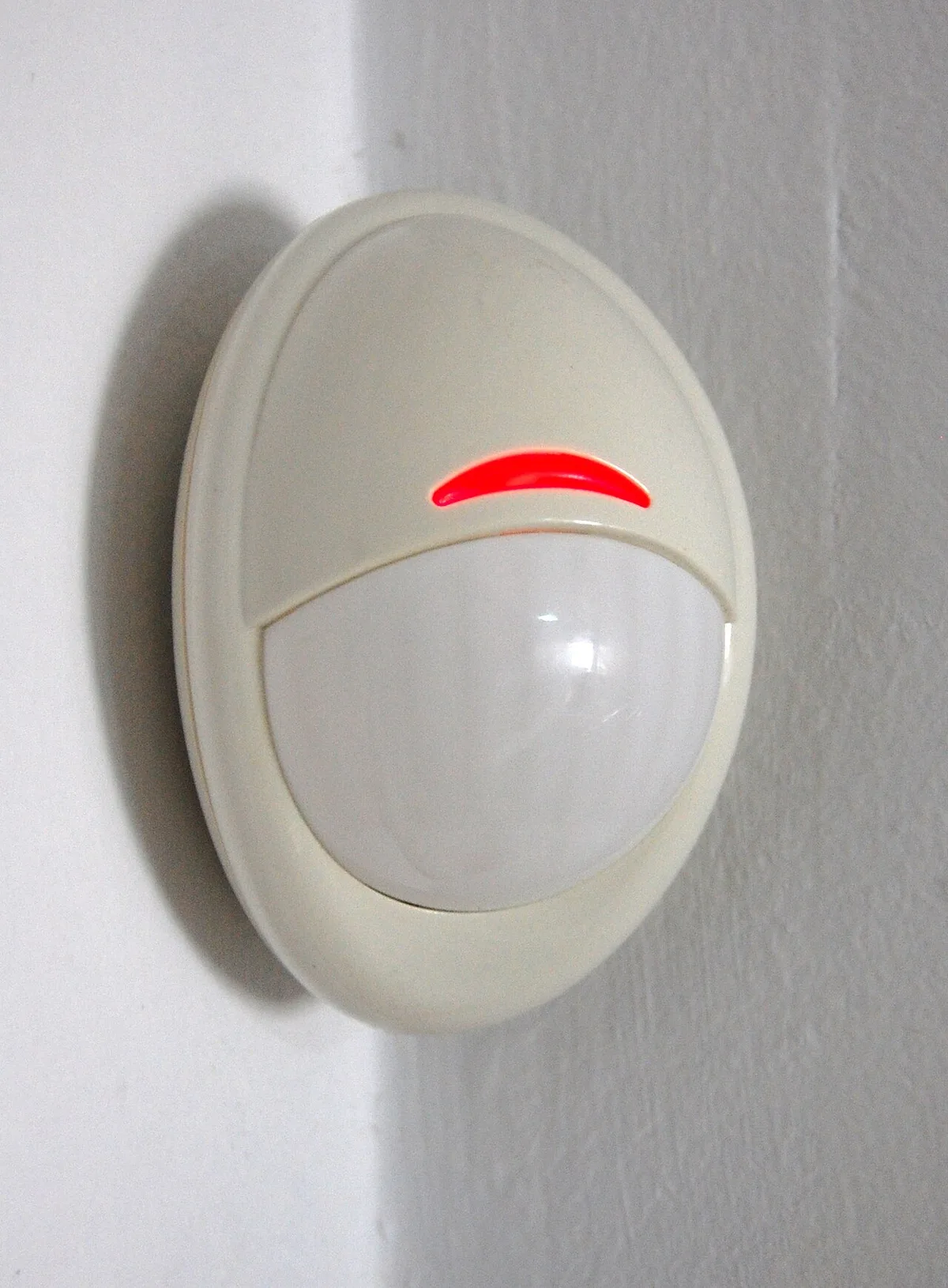
A useful motion routine needs more than the instruction to turn a lamp on. It also needs the conditions under which that action is wanted. Philips Hue's motion-sensor guidance describes a configurable daylight threshold that can prevent lights turning on when the room is already bright enough. That is a model-specific feature to verify, not an assumption about every sensor.
Write a short rule in plain language: when the intended movement occurs and the room meets the selected light condition, use the chosen lamp setting. Keep a separate note for what should happen when the room is already bright. This makes an unwanted trigger easier to describe and investigate.
Philips Hue UK: indoor motion sensor requirements and operation ?
Compare two lighting conditions first
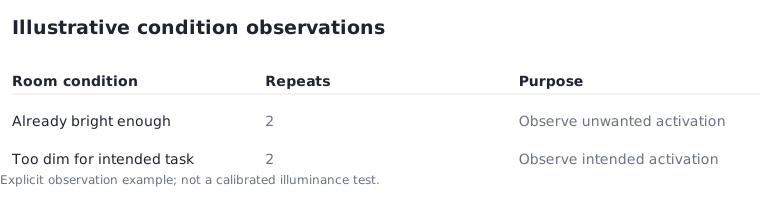
Use a simple hypothetical observation plan with two room conditions: bright enough for the task and too dim for the task. Observe the intended movement twice in each condition, creating four records. Describe the actual room condition in ordinary terms and record the selected setting without presenting your judgement as a calibrated light measurement.
If the lamp turns on during a condition where you do not want it, that observation identifies a setting or placement question. It does not prove that the sensor is defective. Repeat the condition and consult the exact model instructions before changing the threshold. The trial should answer whether your chosen rule matches your intended use, not manufacture a universal number.
Keep output and trigger decisions separate
The threshold decides whether the action should happen; the selected lamp setting decides what happens afterwards. A lamp can be correctly triggered yet still provide an unwanted brightness or white tone. Treat those as two separate adjustments in the record. The brightness guide's distinction between lumens and input power is useful when reading the lamp specification.
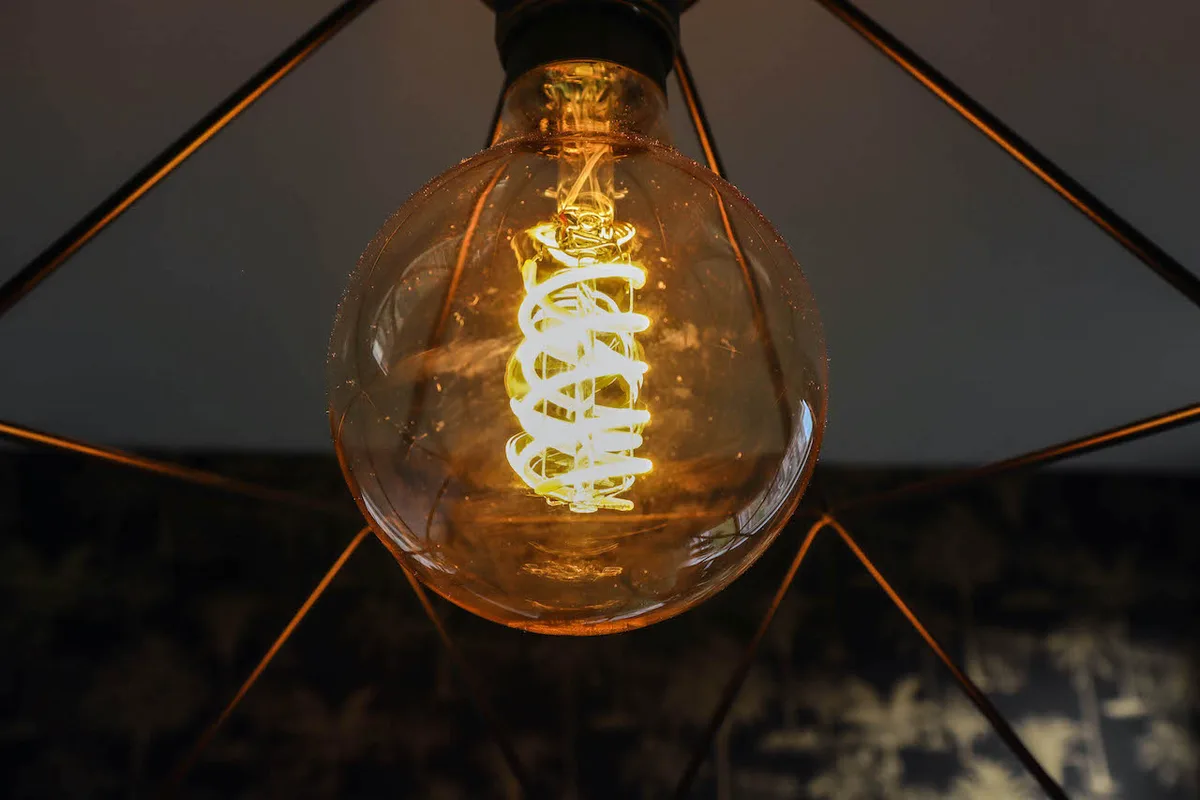
Do not infer the amount of light in the room from a product photograph or the brightness of your phone screen. The historical glowing bulb shown here is a visual example of the output device only. It supplies no measured illuminance, sensor threshold or appropriate setting for the room you are planning.
Philips Hue UK: lumens and smart bulb brightness ?
Model timing changes as assumptions
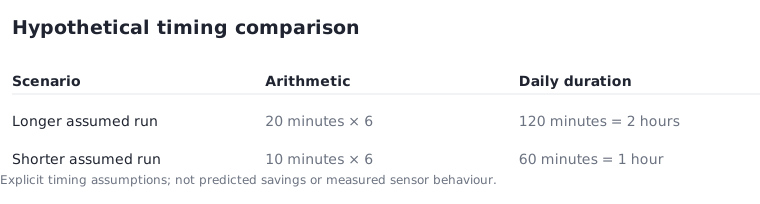
Suppose a planning comparison assumes a lamp runs for 20 minutes in one scenario and 10 minutes in another, repeated six times per day. The first assumed duration is 120 minutes, or two hours. The second is 60 minutes, or one hour. The arithmetic difference is one hour of active use per day under those assumptions.
This is not a prediction of how a real motion sensor will behave. Overlapping triggers, manual use and the supported timeout behaviour can change the total. Keep the example as a way to understand the input relationship, then record actual behaviour if you want to evaluate your own routine. Do not present the shorter scenario as guaranteed energy savings.
Make the exception easy to use
A room may sometimes need a different setting from the usual routine. Decide how someone will request that setting and how the routine will behave afterwards. Hue documents a do-not-disturb option for relevant sensor configurations; confirm its exact supported behaviour in the current app and model instructions rather than assuming every platform exposes it.
Save the chosen trigger condition, lamp action and exception path together. When a household member reports a problem, you can compare it with that record instead of changing unrelated settings. A good routine is one whose normal action and exceptions can be explained clearly, with no need to promise a perfect sensor response or a fixed saving.
Philips Hue UK: indoor motion sensor requirements and operation ?