Plan multi-platform Matter control before adding another app
Decide why a second platform is useful, record its supported functions and keep service removal separate from device reset.
Updated:
Give the second platform a clear purpose
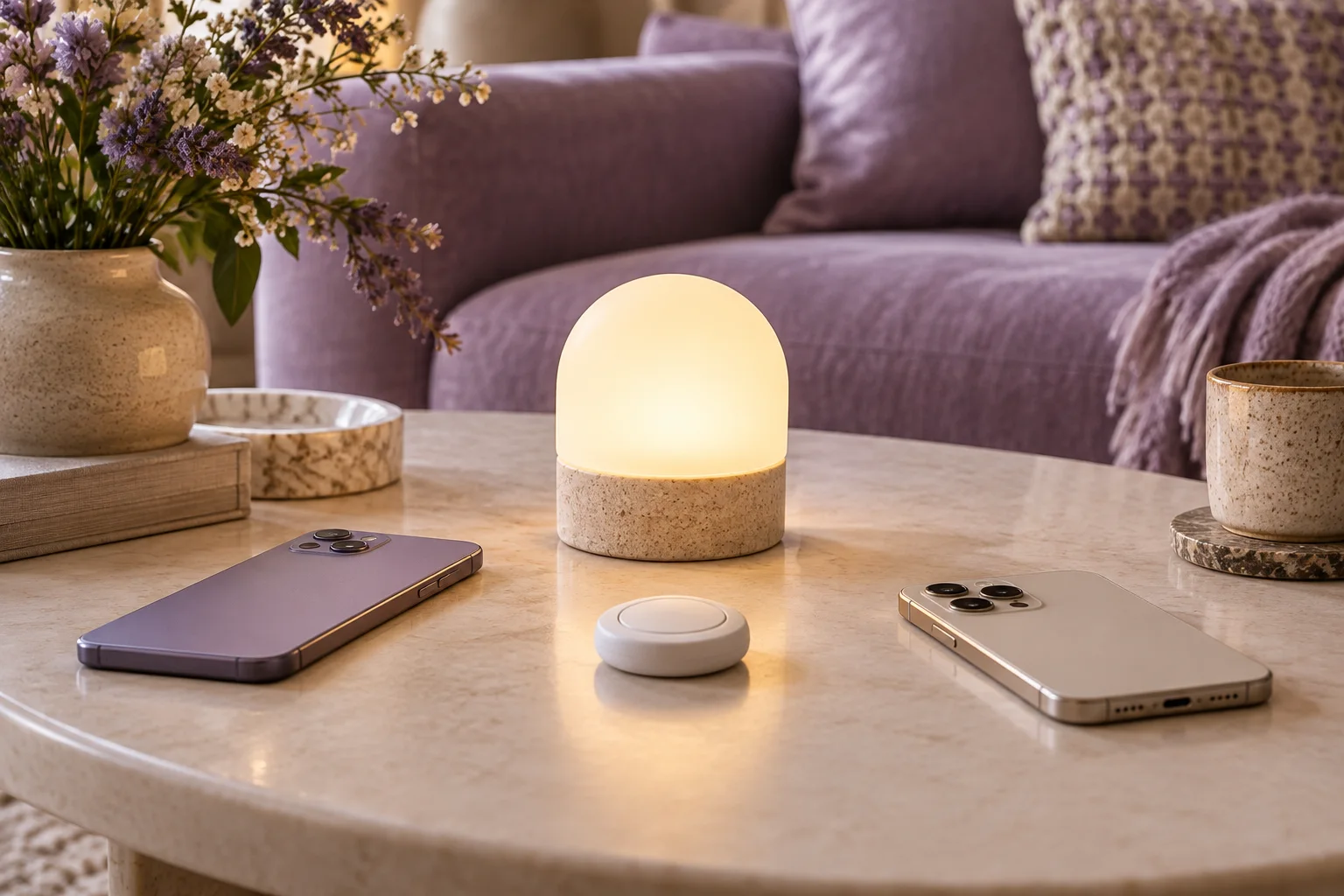
Matter can support an accessory being used across more than one platform. The Connectivity Standards Alliance describes this as multi-admin support. The useful question is why you want the additional connection: a particular household member's preferred app, a supported routine or another clearly defined use. Adding platforms without a purpose makes the setup harder to explain.
Write the desired action for each platform before pairing anything. The two platforms do not need to perform identical roles. However, each action should be supported by the exact accessory and current platform implementation. Multi-platform access is not a guarantee that every advanced feature appears in every app.
Connectivity Standards Alliance: Matter FAQ ?
Make a two-platform action map
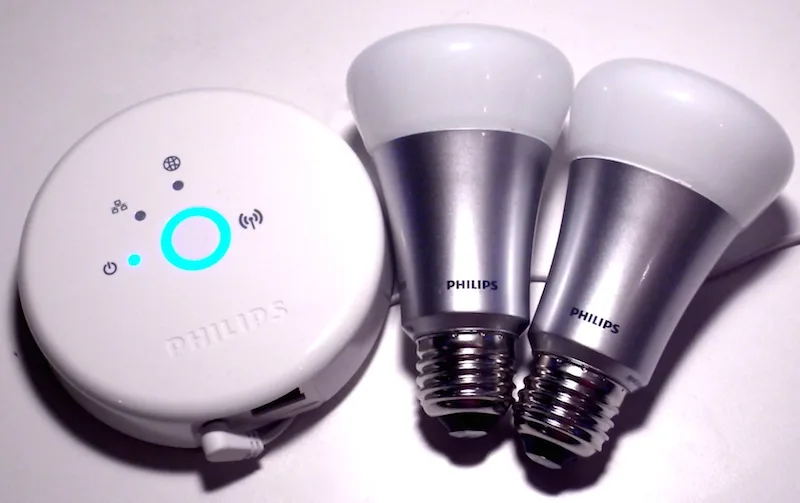
For a hypothetical lamp, platform A might be intended for everyday on/off control and platform B for one documented routine. Put those two actions on separate rows and identify who will use each. Avoid copying an entire scene collection into both systems before you understand how the intended paths interact.
Suppose there are three essential actions across the two platforms and only two have clear documentation. The unresolved third action still needs an answer. A 2-of-3 record is not evidence that the arrangement is mostly compatible. If that third action is the reason for adding the second app, resolve it before expanding the setup.
Use the supported pairing path
Apple's current Matter instructions explain how a previously paired accessory can be added through a compatible app, using the appropriate available accessory path and manufacturer instructions. Follow the current procedure for the particular platform rather than assuming a factory reset is always necessary to add another service.
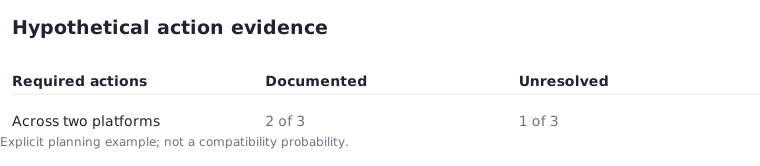
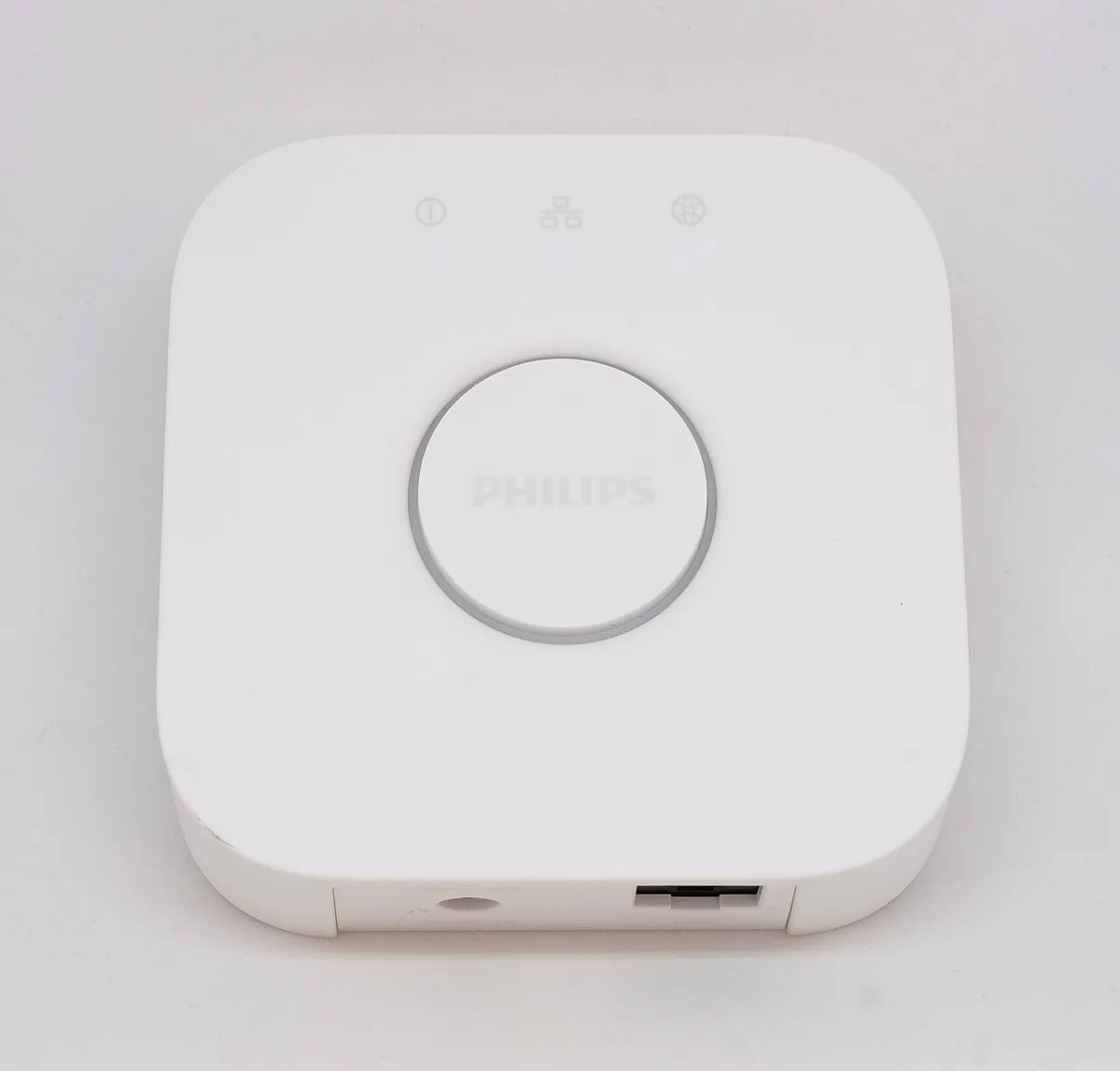
Keep the original control path understood while you establish the additional relationship. Record the exact accessory and the intended service names so you can recognise the resulting entries. A historical bridge or bulb photograph cannot prove that a specific old item supports the process. The relevant evidence is the current model and software documentation.
Apple UK: pairing and managing Matter accessories ?
Avoid conflicting expectations
Two apps can create confusion if people expect different actions from the same lamp at the same time. Write down which platform owns the normal routine and what manual changes should mean. This is a household planning convention, not a technical claim that all platforms provide an ownership switch or that conflicts are automatically resolved.
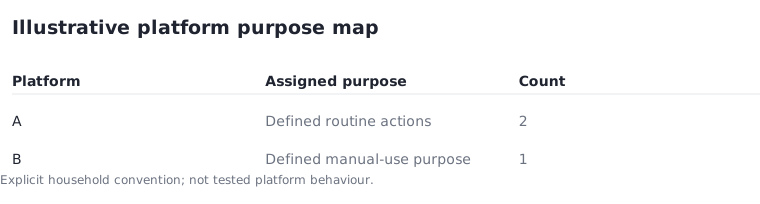
For an illustrative plan, assign two routine actions to platform A and one manual-use purpose to platform B. The total is three defined purposes, not three tested automations. If you cannot explain the expected result when someone changes the lamp manually, simplify the plan. Extra control routes should make a real task easier rather than multiply unexplained behaviour.
Know how to remove a relationship
Apple distinguishes removing an accessory from individual connected services from removing it from all connected services. Read the stated effect of the action before using it. Do not assume that deleting an app icon, removing a saved code or resetting the hardware are interchangeable operations.
Keep the official removal instructions with the service map so an unwanted relationship can be reviewed deliberately later. Revisit the map when a household member leaves, a platform changes or the device is transferred. The useful outcome is a small number of intentional control paths with known purposes, rather than the maximum number of apps that can display the same lamp.
Follow a deliberate planning sequence with 3 steps: step 1, record the current service and desired action; step 2, use the supported procedure to add the intended second service; step 3, review the resulting service list. Try the required ordinary action 2 times through each intended control path and record any mismatch. This is a personal check, not a compatibility certification.
Apple UK: pairing and managing Matter accessories ?